Instance Details
For a detailed view of an instance, click on the instance name in the list. This brings you to the instance detail view, where you can view and manage every aspect of the instance through several tabs.
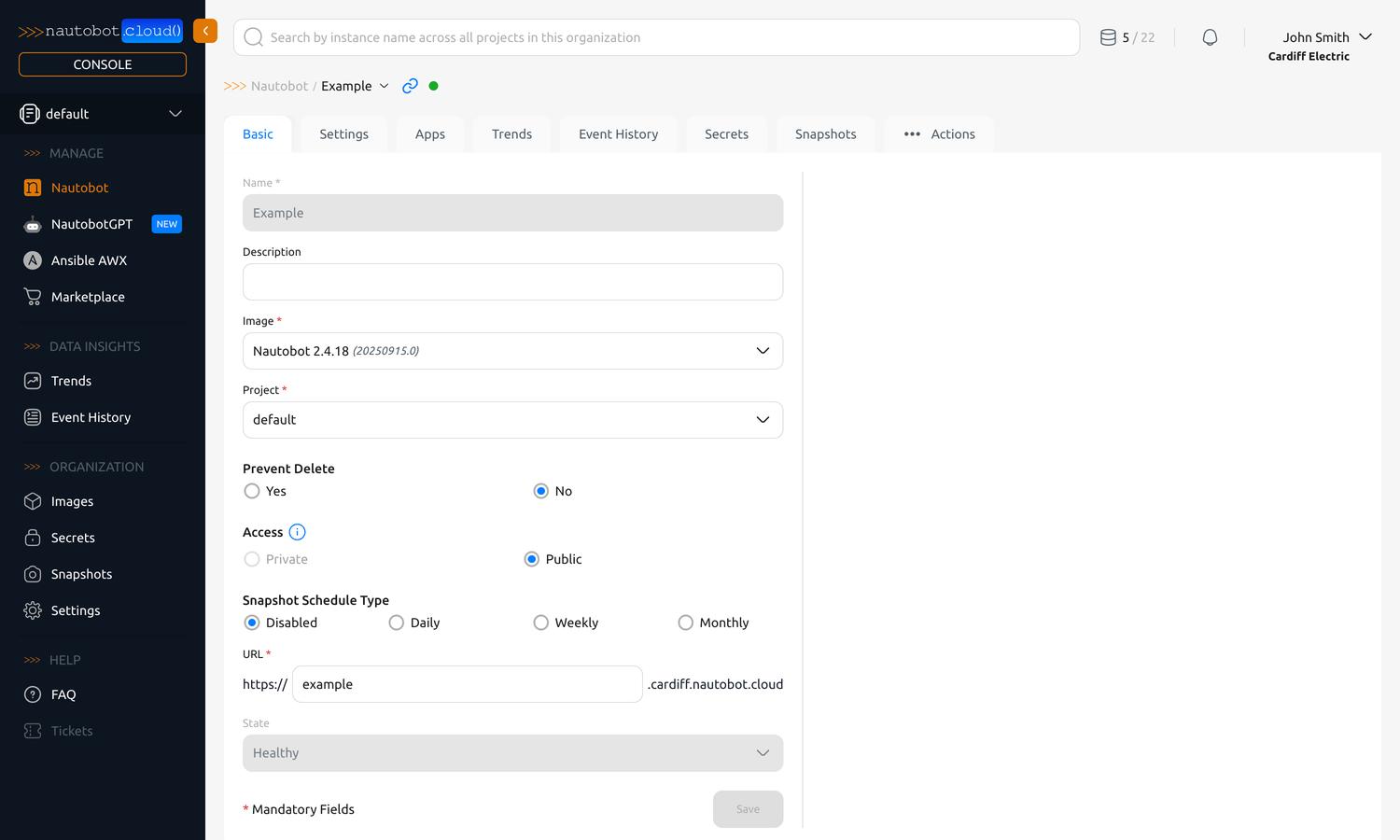
Edit the basic information about the instance which was set during creation. See Create an Instance for a full list of fields.
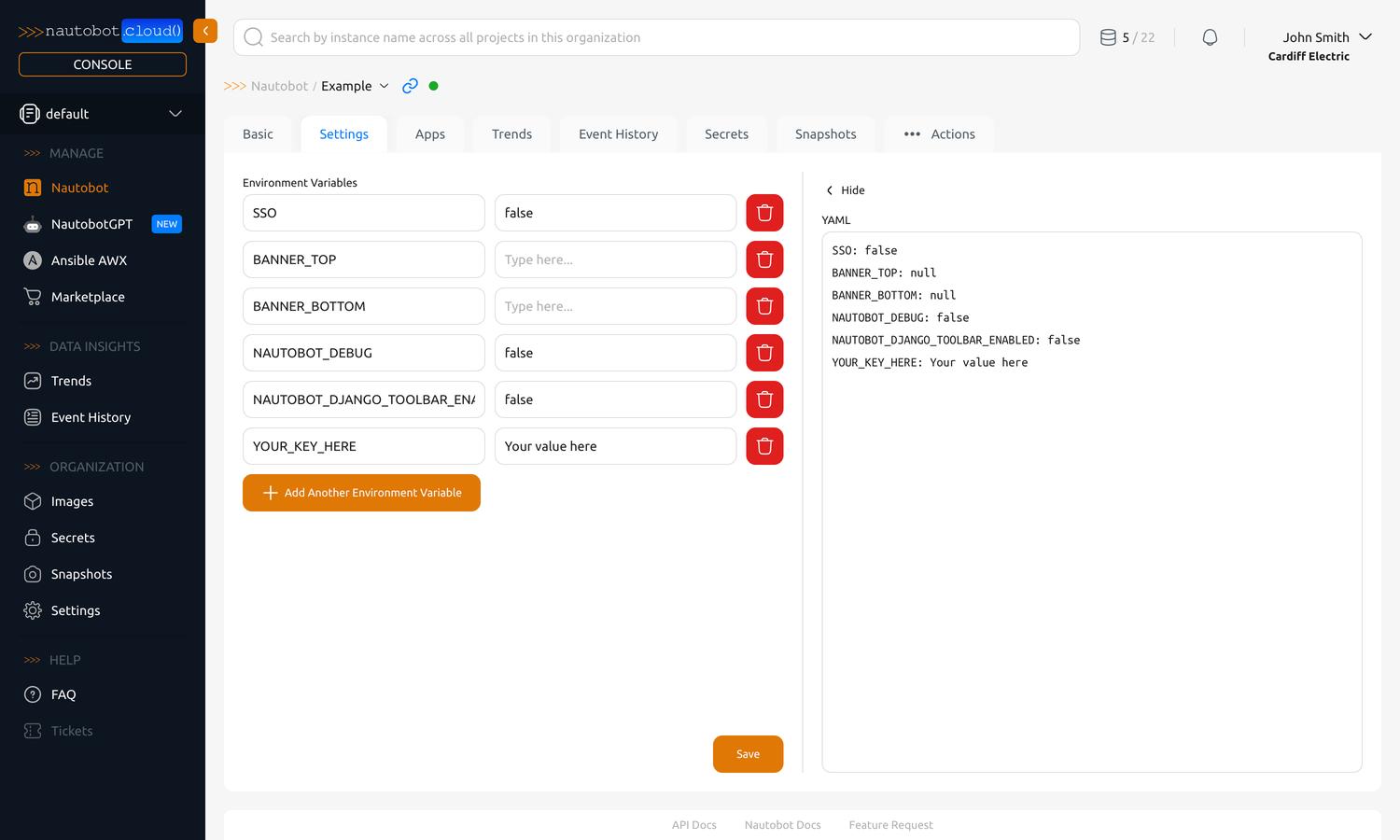
View and edit non-sensitive environment variables for the instance. For sensitive configuration, consider using Secrets.
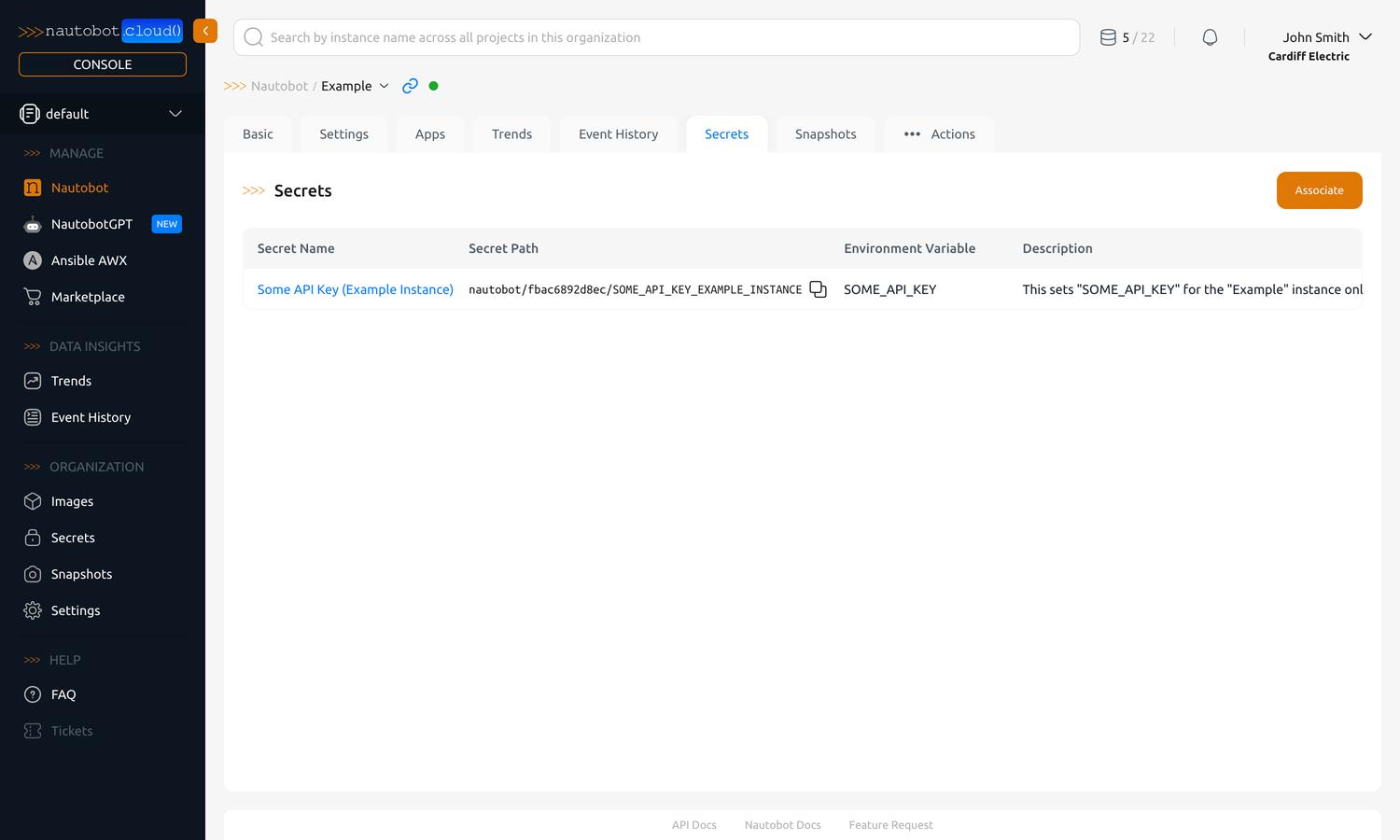
View and manage secrets associated with the instance. See Managing Secrets.
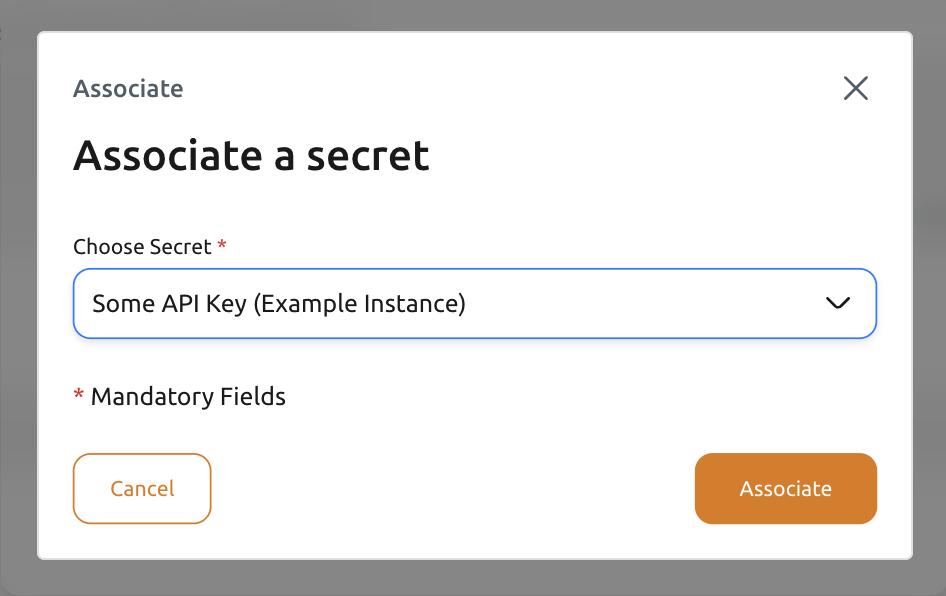
To associate an existing secret with the instance, click the Associate button in the top-right corner. This will bring up a dialog where you can select a secret to associate with the instance. If you have not yet created a secret, see Manage Secrets for instructions.
View and manage the apps installed on the Nautobot instance. The list shows every App and a Source column indicating where each came from — Marketplace, PyPI, or Uploaded.
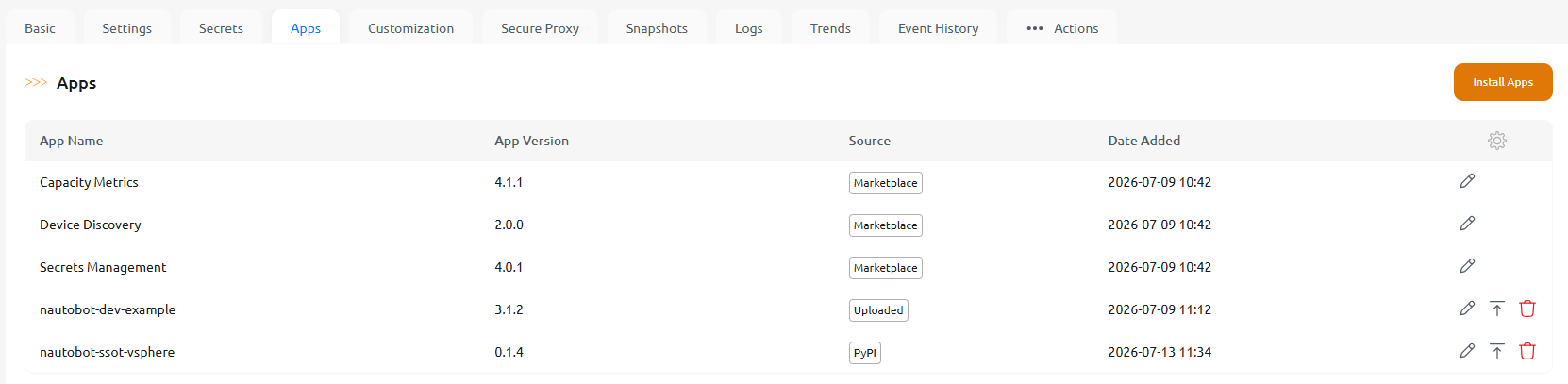
From this tab you can:
- Install apps — from the Marketplace, or your own custom apps from PyPI or an uploaded package.
- Configure an installed app's settings.
- Upgrade a custom app to a different version, or Uninstall an app. If other installed apps depend on the one you remove, the Console warns that those dependents will be removed too.
Any of these — installing, upgrading, removing, or reconfiguring an app — stages a pending update; Update the instance to apply it.
Tailor the instance with self-service customizations — Static Files and Pip Dependencies. See Customize an Instance for the full guide.
- Static Files — upload assets (including a custom logo for branding) to your instance. See Upload Static Files.
- Pip Dependencies — declare additional public Python packages your Jobs or customizations need. See Declare Pip Dependencies.
Customization changes are staged as pending updates and applied when you run Update on the instance.
Connect the instance's Jobs to devices and services inside your private network through Secure Proxy relays — no VPN or inbound firewall rules required. See Secure Proxy.
The remaining tabs cover backups, monitoring, and instance actions:
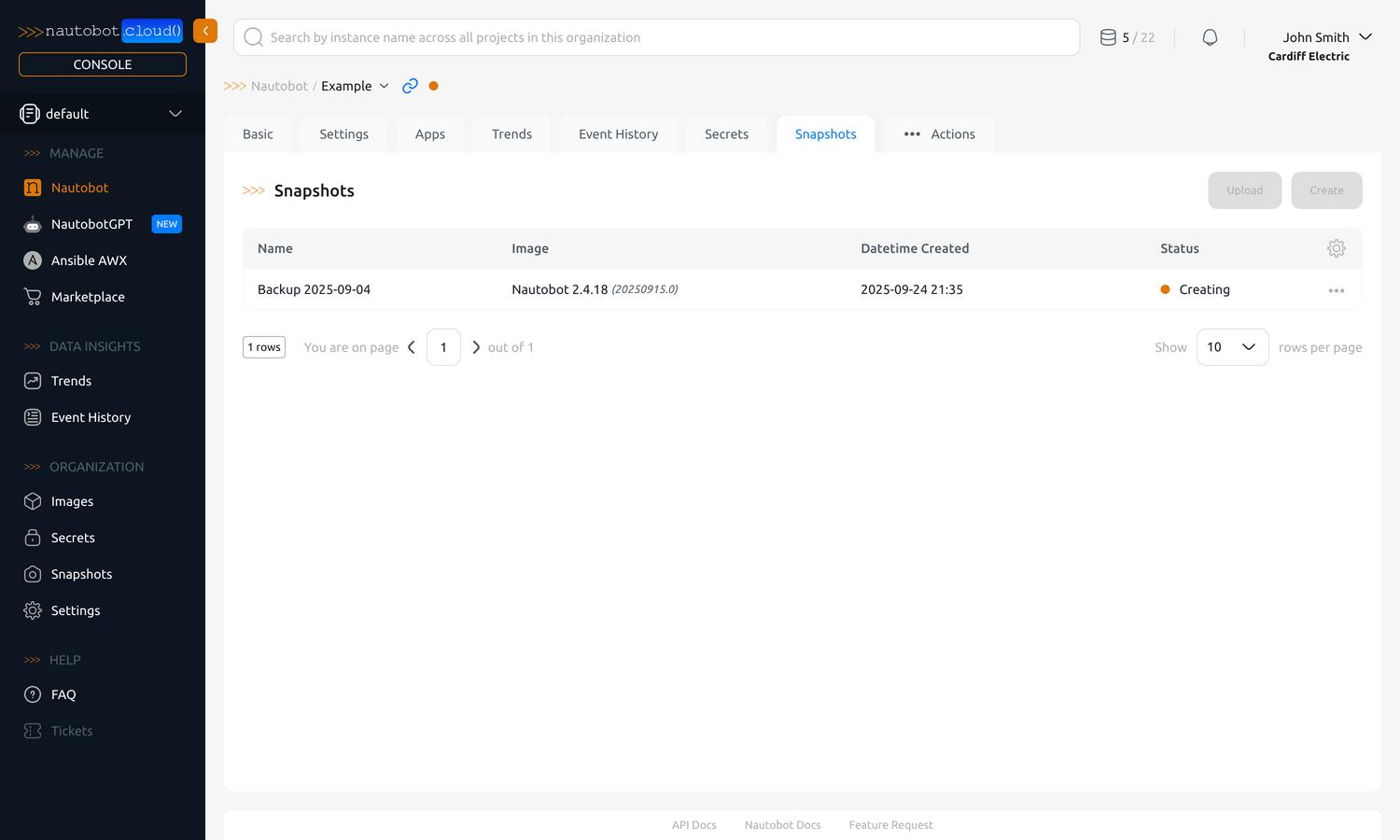
View and manage snapshots for the instance, or restore it from a previous Snapshot. See Backup and Restore.
View the instance's application logs directly in the Console. See Monitoring Instances.
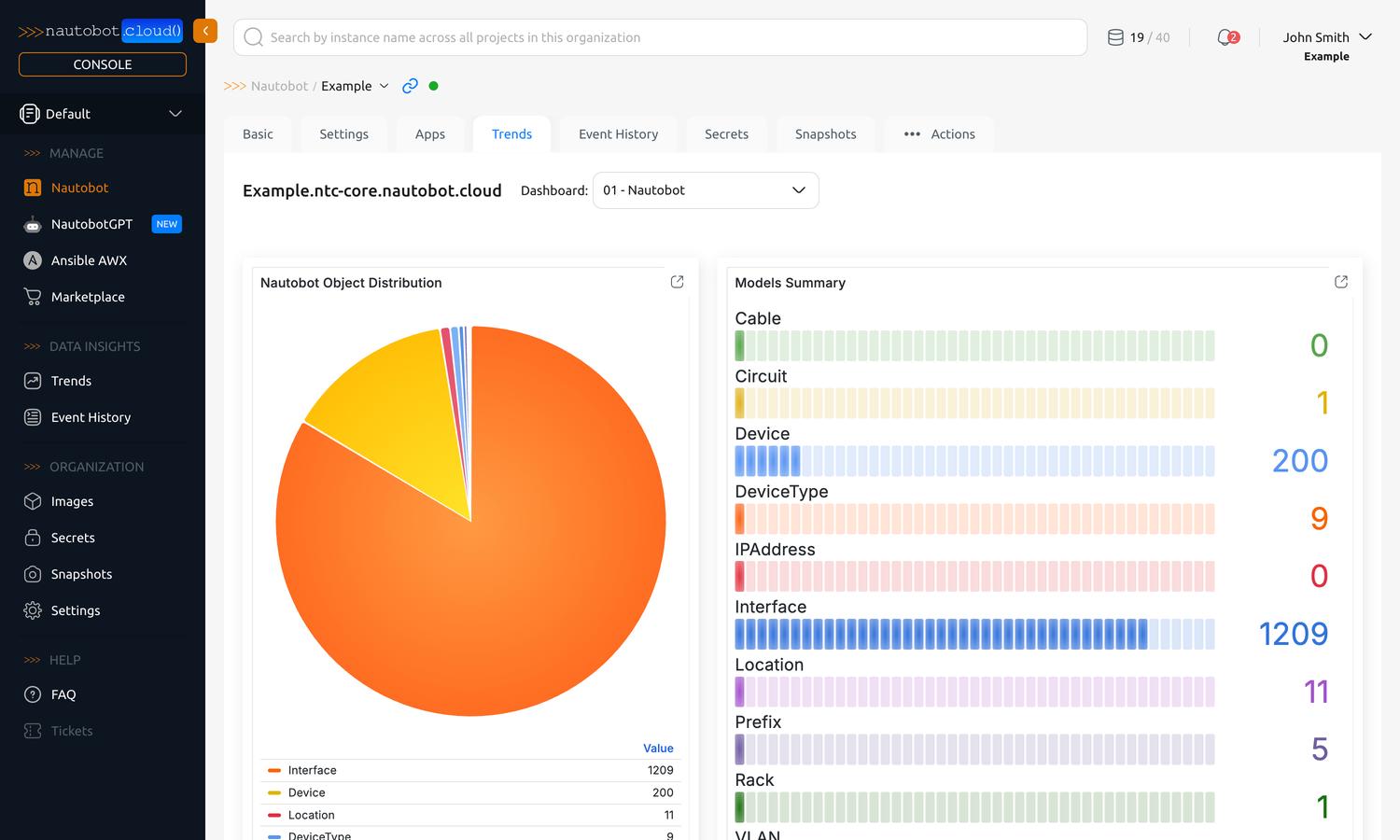
View usage, size, and performance trends for the instance. See Monitoring Instances.
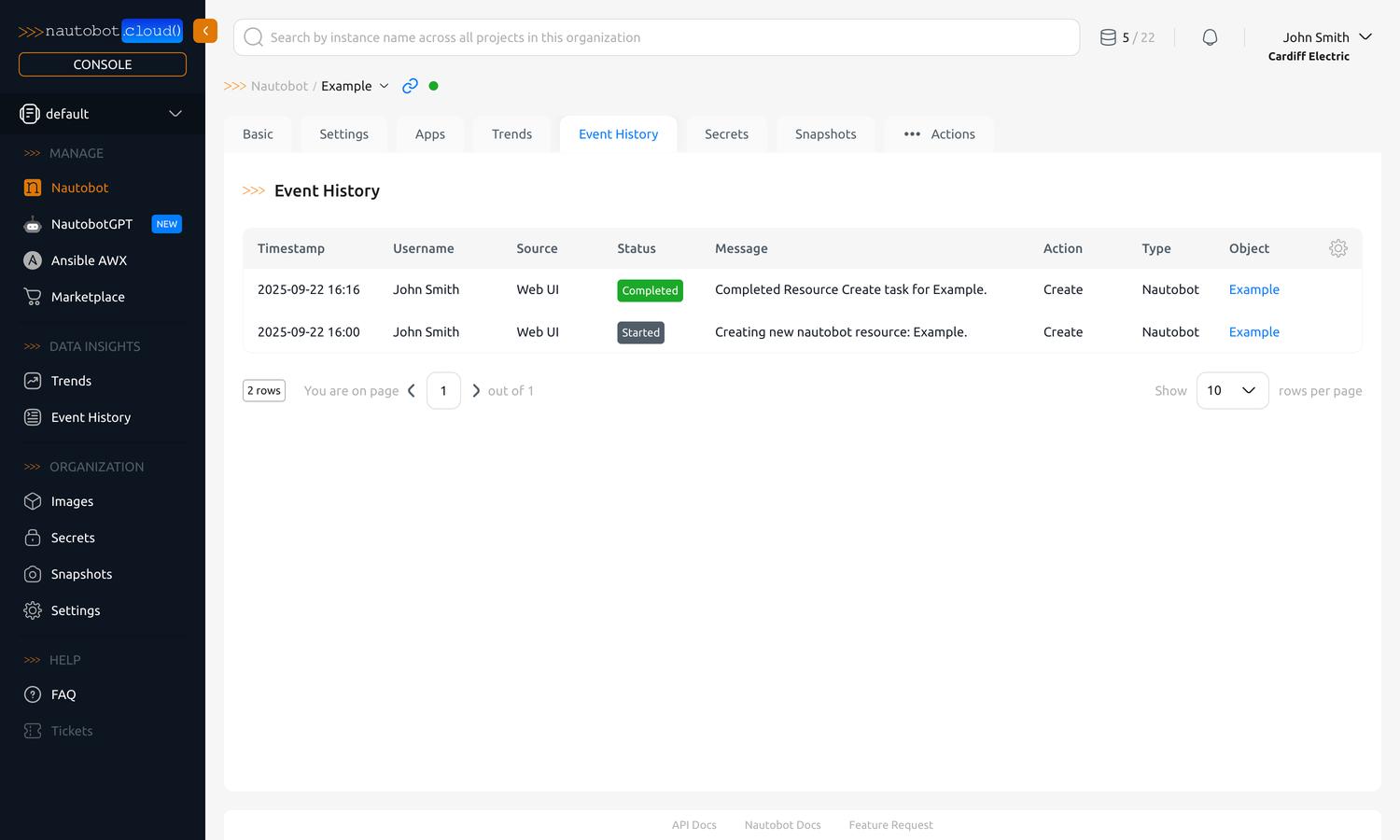
View a log of events and actions related to the instance. See Monitoring Instances.
See Actions for more information.