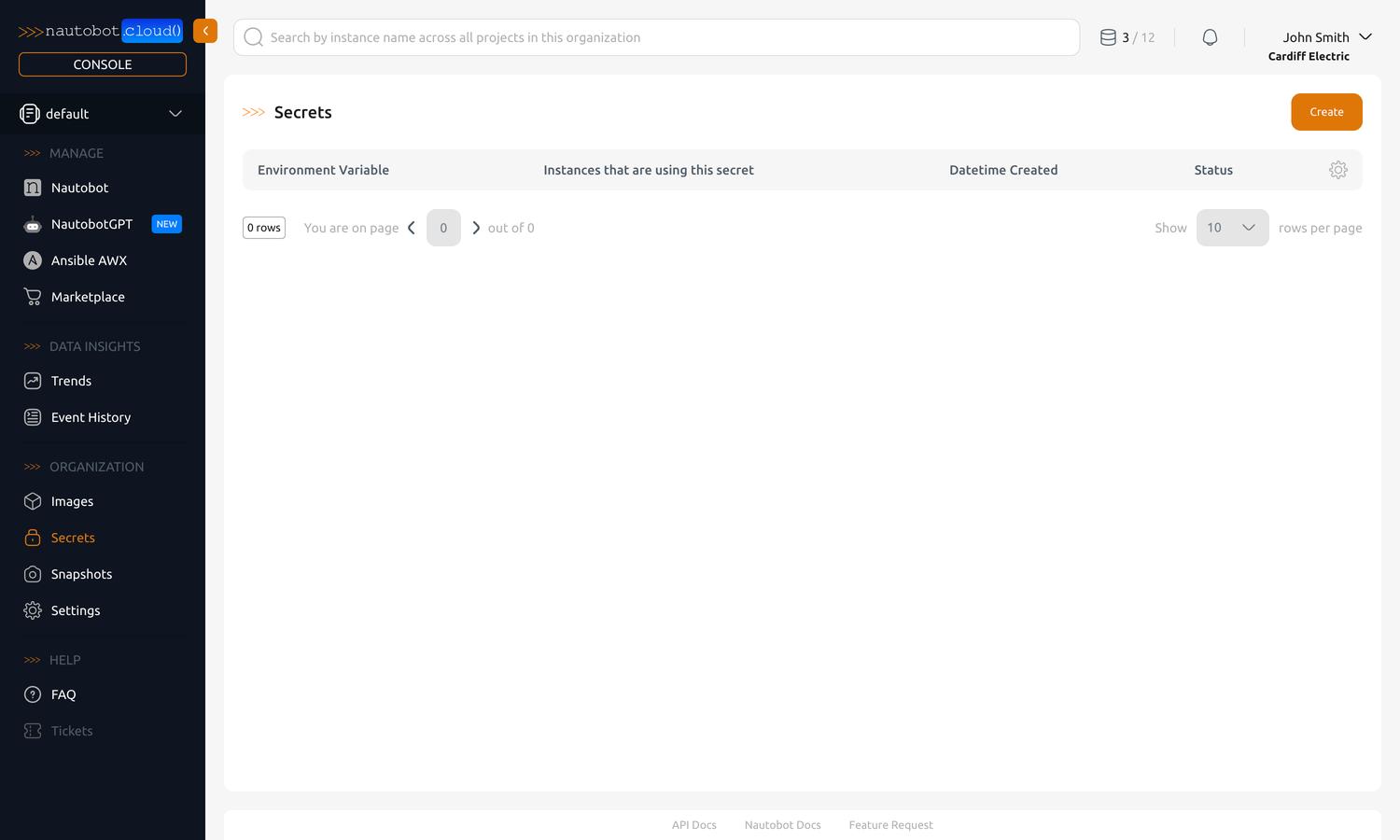
Manage Secrets
Secrets allow you to pass sensitive information and configuration to your instances as environment variables. Secrets are managed in the Organization Secrets tab in the left-hand navigation pane.
Sensitive vs Non-Sensitive Information
Secrets are intended for sensitive information that should not be visible in the UI after creation. To manage non-sensitive configuration more directly, consider configuring the instance's environment variables from the instance detail view instead. See Manage Instances for more information.
- Create & Use Secrets — create a Secret, associate it with an instance, edit or delete it, and reference it from an App's configuration.
- Use Secrets Providers — configure the Secrets Providers App so Nautobot Secrets can read values from a secrets store you already run.