Nautobot Cloud REST API
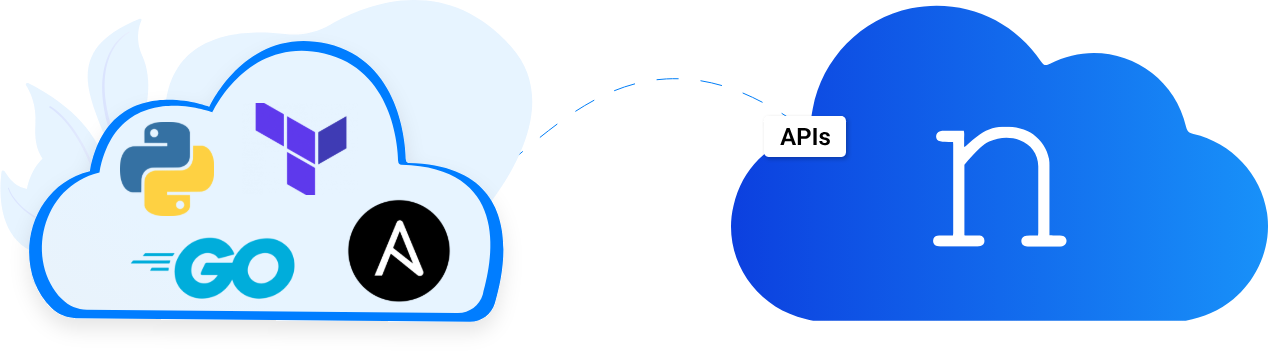
You can manage your cloud deployments programmatically via a REST api. To find out more and explore the API documentation, visit the Nautobot Cloud REST API Docs. You must be logged in to view the Cloud API documentation.
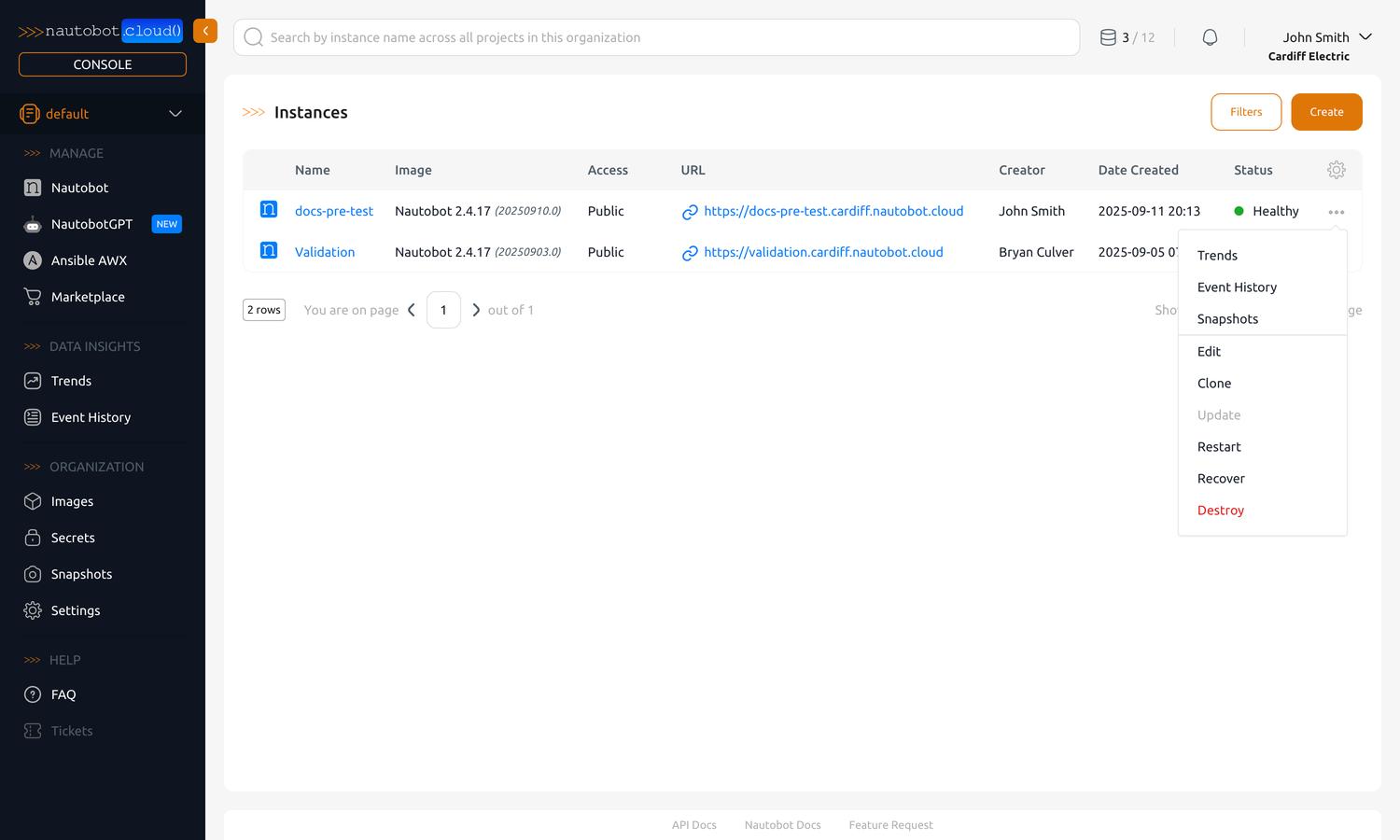
You can also find the API docs quickly from the Nautobot Cloud Console by finding the "API Docs" link in the footer.
Authenticating to the API
Requests to the Nautobot Cloud API are authenticated with an API token tied to your user account.
Get your API token
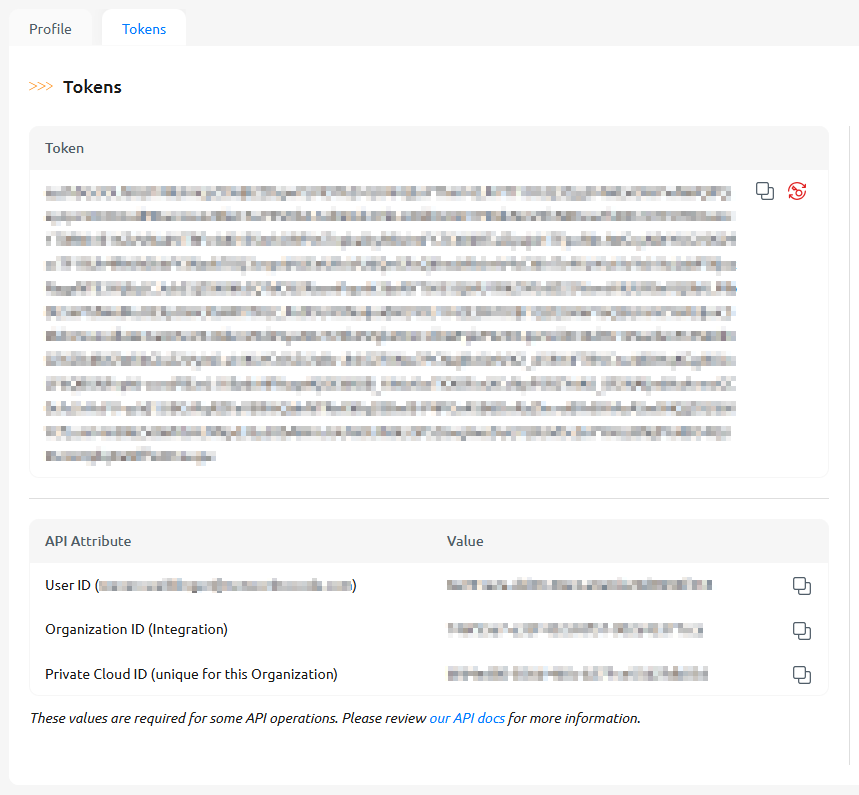
- Open your user menu in the top-right corner and go to Profile Tokens.
- Copy your token with the copy icon. The same page also shows your User ID, Organization ID, and Private Cloud ID (each copyable), which some API calls require.
Send the token in the Authorization header using the Token scheme (see the API docs for the available endpoints):
Rotate your token
To rotate your token — for example, if it may have been exposed — use the regenerate icon next to your token on the Tokens page. Regenerating immediately invalidates the previous token, so update any scripts or integrations with the new value.
Note
The Nautobot Cloud REST API is different from the Nautobot Core API. While the Cloud API lets you create and manage instances themselves, the Core API is for the Nautobot instance and the data within it.