Install Marketplace Apps
The Nautobot Platform provides users with control and flexibility through apps. Like the Nautobot Core Apps Marketplace, Nautobot Cloud has its own Apps Marketplace where you can find cloud-ready apps and easily install them on your instances.
To access the Apps Marketplace, navigate to the Marketplace tab in the left-hand navigation pane.
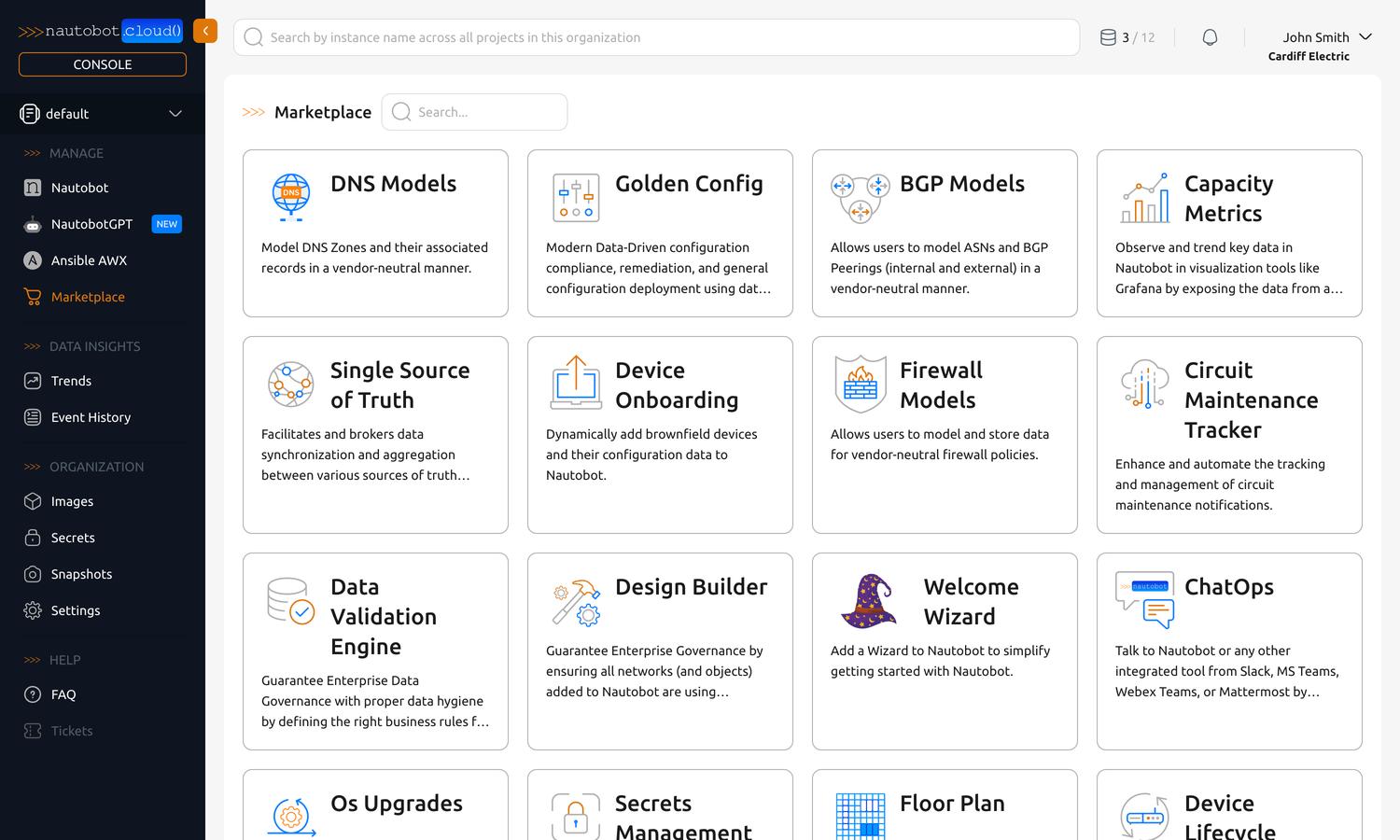
A curated set of certified apps is available in the marketplace, with more added over time. Click any card to view more information, including descriptions, links to documentation, and screenshots.
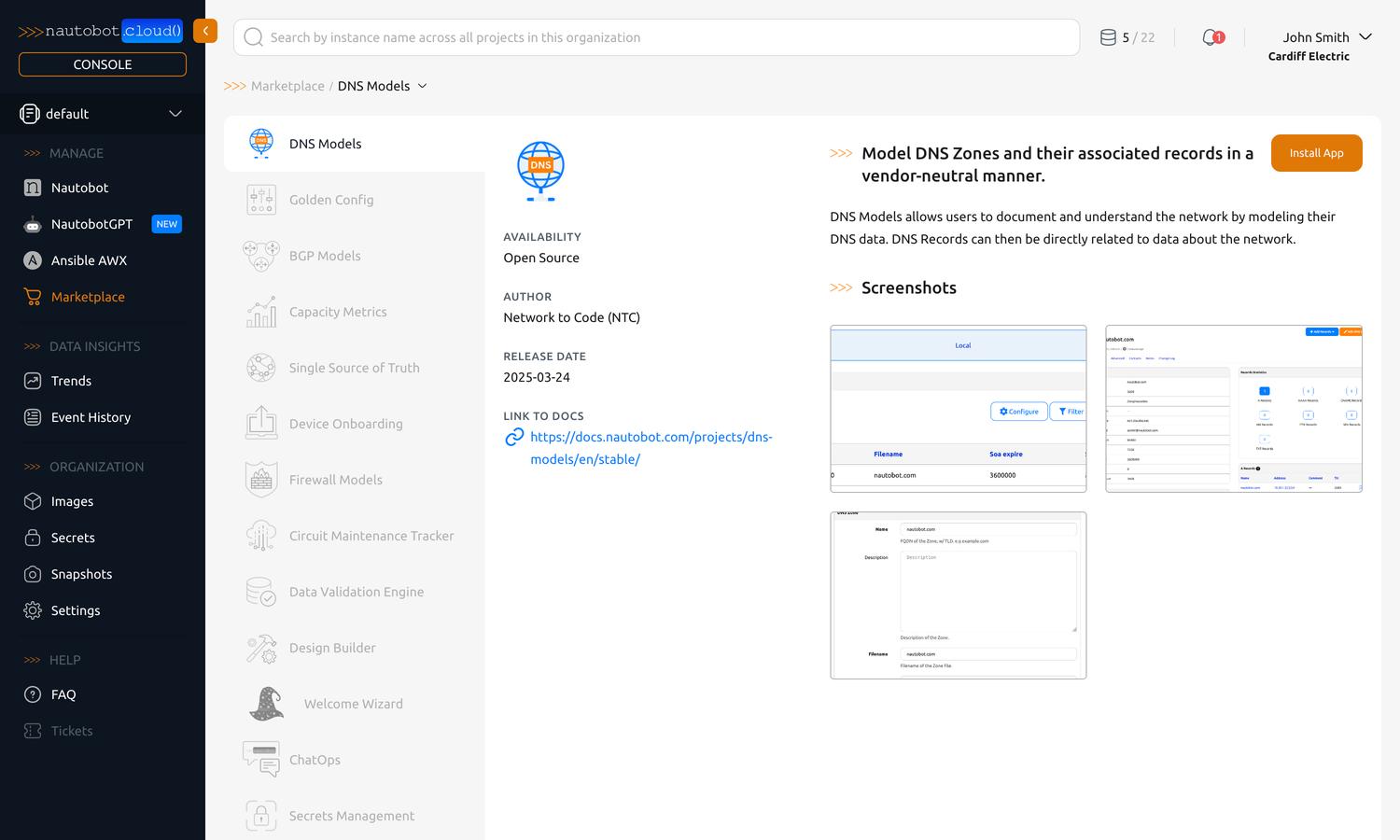
Install a Marketplace App
There are two ways to start installing a Marketplace App:
- From the Marketplace — open an app and click the Install button at the top right of its details pane, then choose the instance.
- From an instance — open the instance's Apps tab, click Install Apps, and choose Marketplace under the Network to Code group.
Either way, the Install Apps dialog lets you select apps and confirm their configuration before they're added:
- Select the app(s) you want to install.
-
Configure each app before you can finish. Every selected app shows a status dot next to its name:
- A red dot means the app's configuration hasn't been confirmed yet.
- A green dot means the app is ready to install.
Click the app's name to open its Configure App dialog, complete any required settings, and click Configure App to save. The dot then turns green. See Configure Apps for details on the configuration options and referencing Secrets.
Turn every red dot green first
You can't complete the install while any selected app still shows a red dot. Click each red-dotted app and configure it until it turns green.
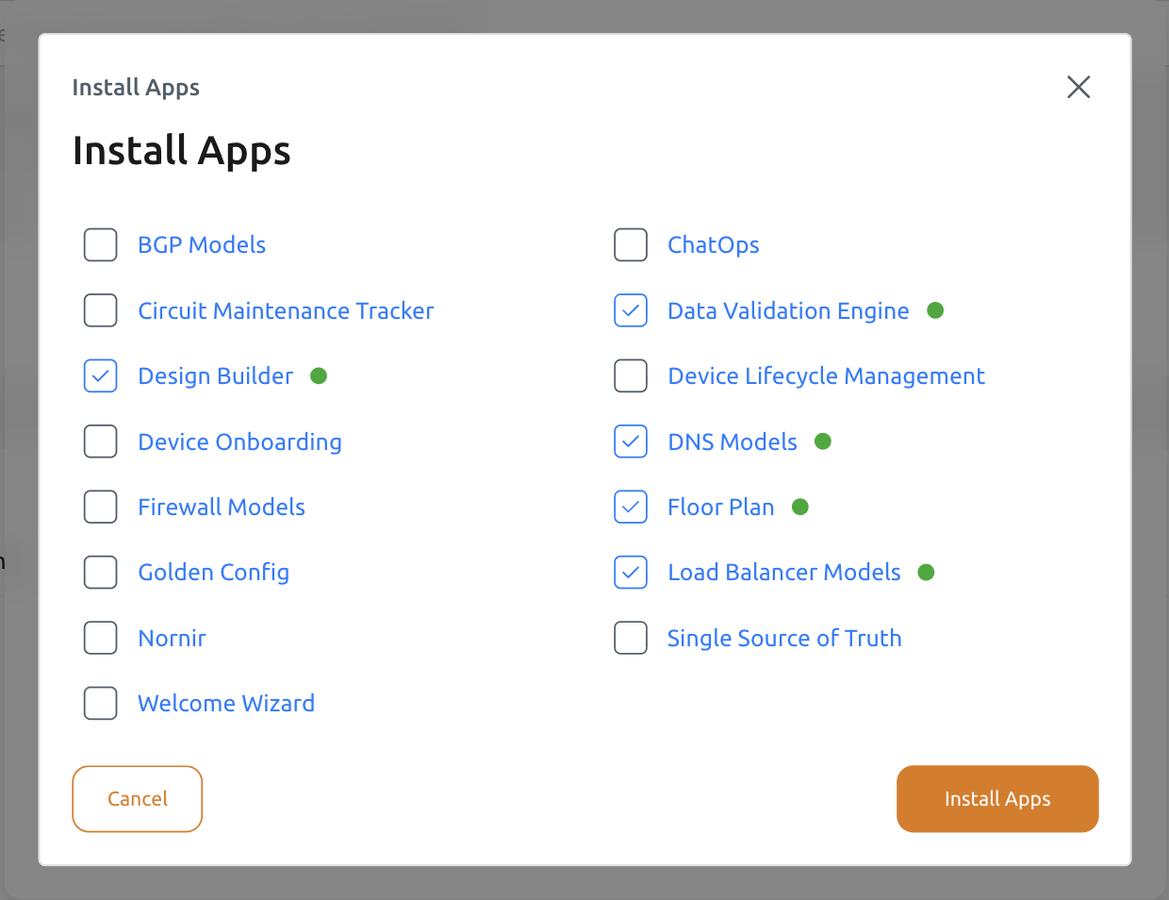
-
Once every selected app shows a green dot, confirm the install.
- When prompted, choose Update Now to build and deploy the change, or Update Later to batch more changes first. See Applying Your Changes.
You can also manage installed apps — reconfigure, upgrade, or uninstall — from the Apps tab at any time. See Manage Instances.
Need an app that isn't in the Marketplace?
Marketplace apps are curated and tested by Network to Code. If the app you need isn't listed, you can install your own from public PyPI or from a package you upload — see Install Custom Apps. You can configure any installed app's settings — Marketplace or custom — from the same Apps tab.