Manage Instances
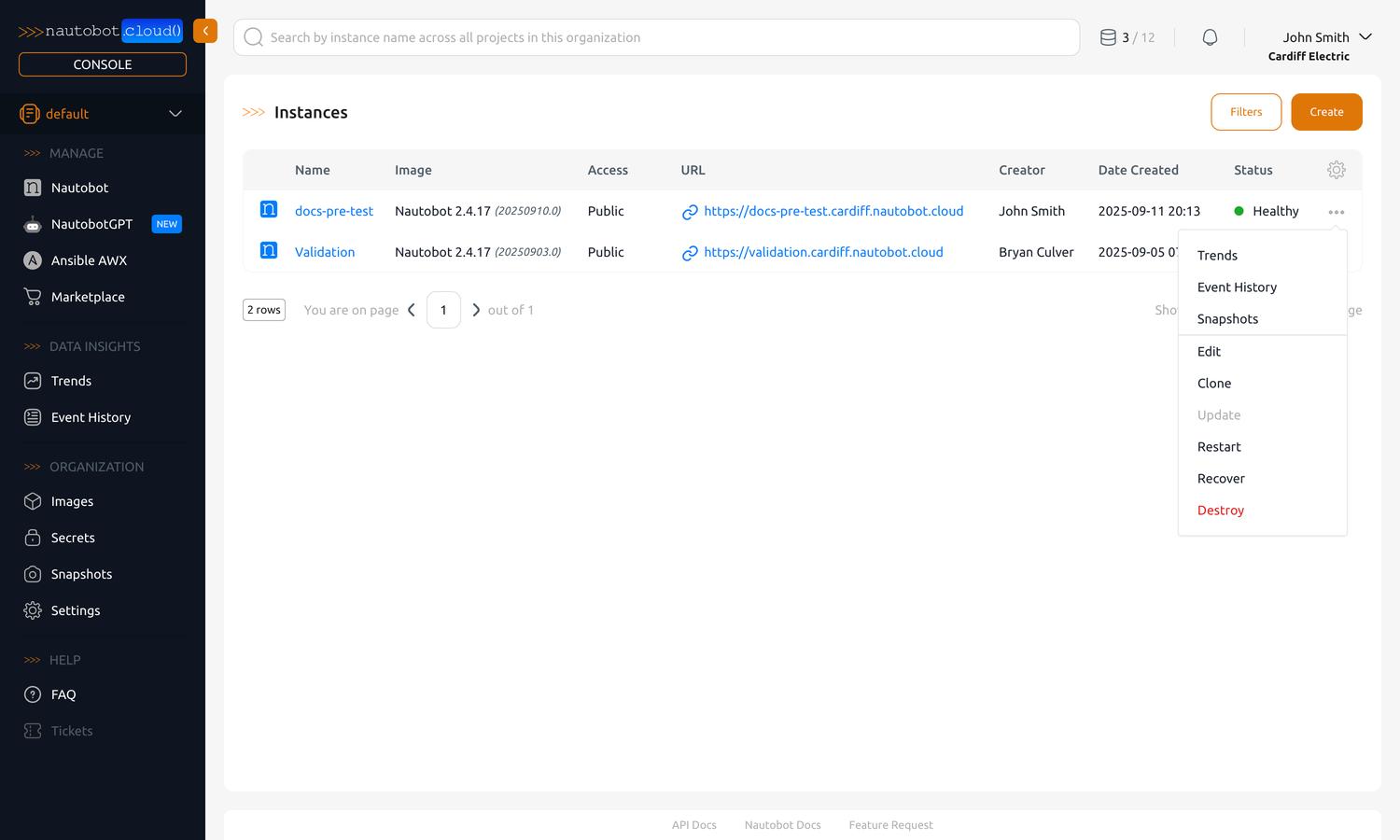
After creating an instance, you can manage it from the home page or the Manage Nautobot section of the left-hand navigation pane. There you will see a list of created instances.
You can then open an instance to view and edit every aspect of its configuration, or act on it directly from the list.
- Instance Details — view and edit an instance through its detail tabs (Basic, Settings, Secrets, Apps, Customization, Snapshots, Logs, Trends, and more).
- Customize Instance — self-service customization: install custom Apps, declare pip dependencies, and upload static files.
- Actions — act on an instance directly from the list: Update, Restart, Recover, Clone, Destroy, and more.
- Instance States — understand the instance lifecycle: Healthy, Pending Update, Updating, Restarting, Recovering, Errored, Destroying, and the states a destroy or a clone passes through.
- Upgrade Nautobot — upgrade an instance to a newer Nautobot version by changing its Image.