Create a Nautobot Instance
A Nautobot instance is a single, fully managed deployment of Nautobot — with its own database, configuration, and URL — running in its own isolated environment within the Nautobot Cloud infrastructure. You can create and manage as many instances as your subscription allows (for example, separate prod, dev, and test instances).
Steps
With the Nautobot Cloud Console, you can create and manage Nautobot instances in a few clicks, using the steps described below.
Open the Nautobot Panel
Under the Manage heading in the left-hand navigation pane, click Nautobot to view and manage your Nautobot instances, or to create a new one.
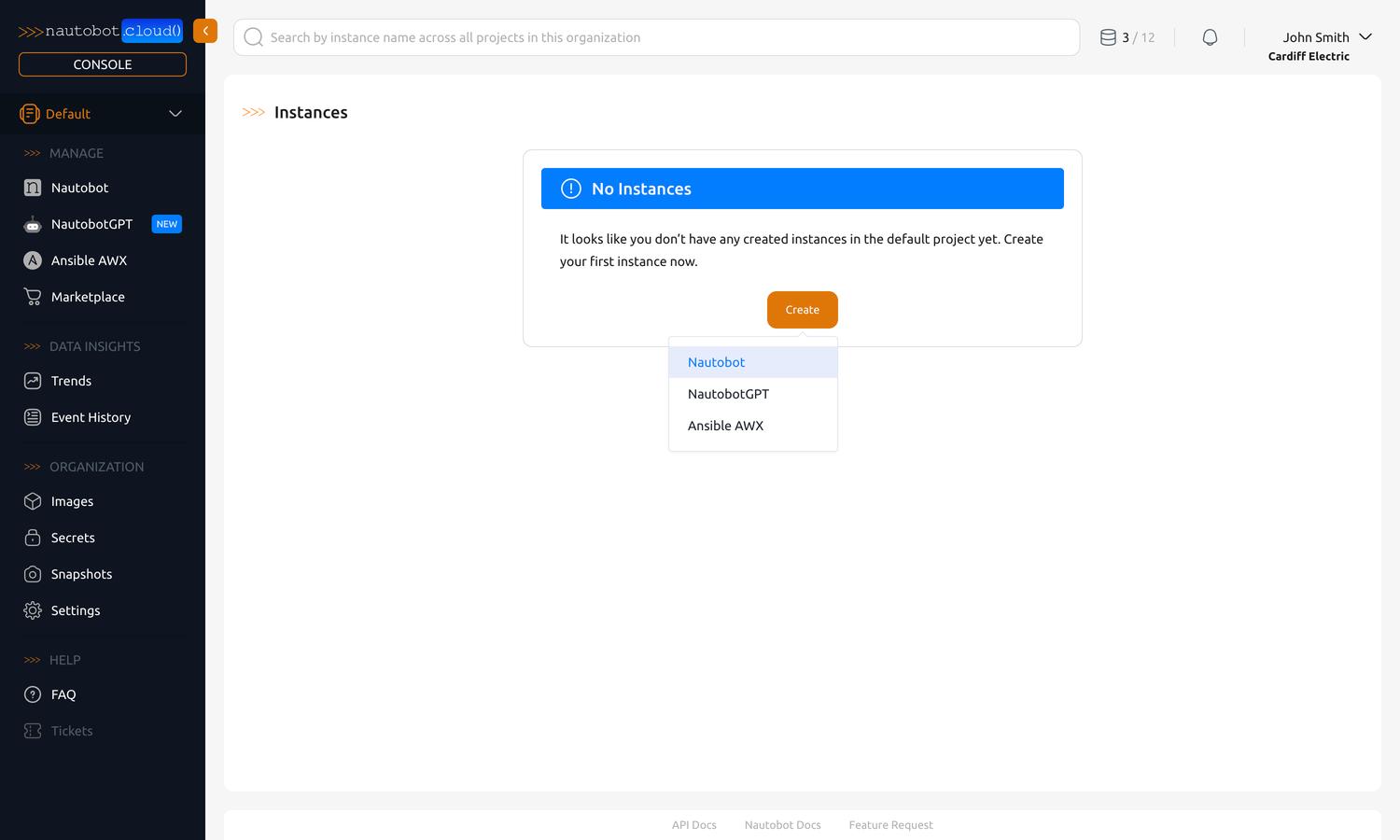
If you have no instances, you will see a prompt to create one.
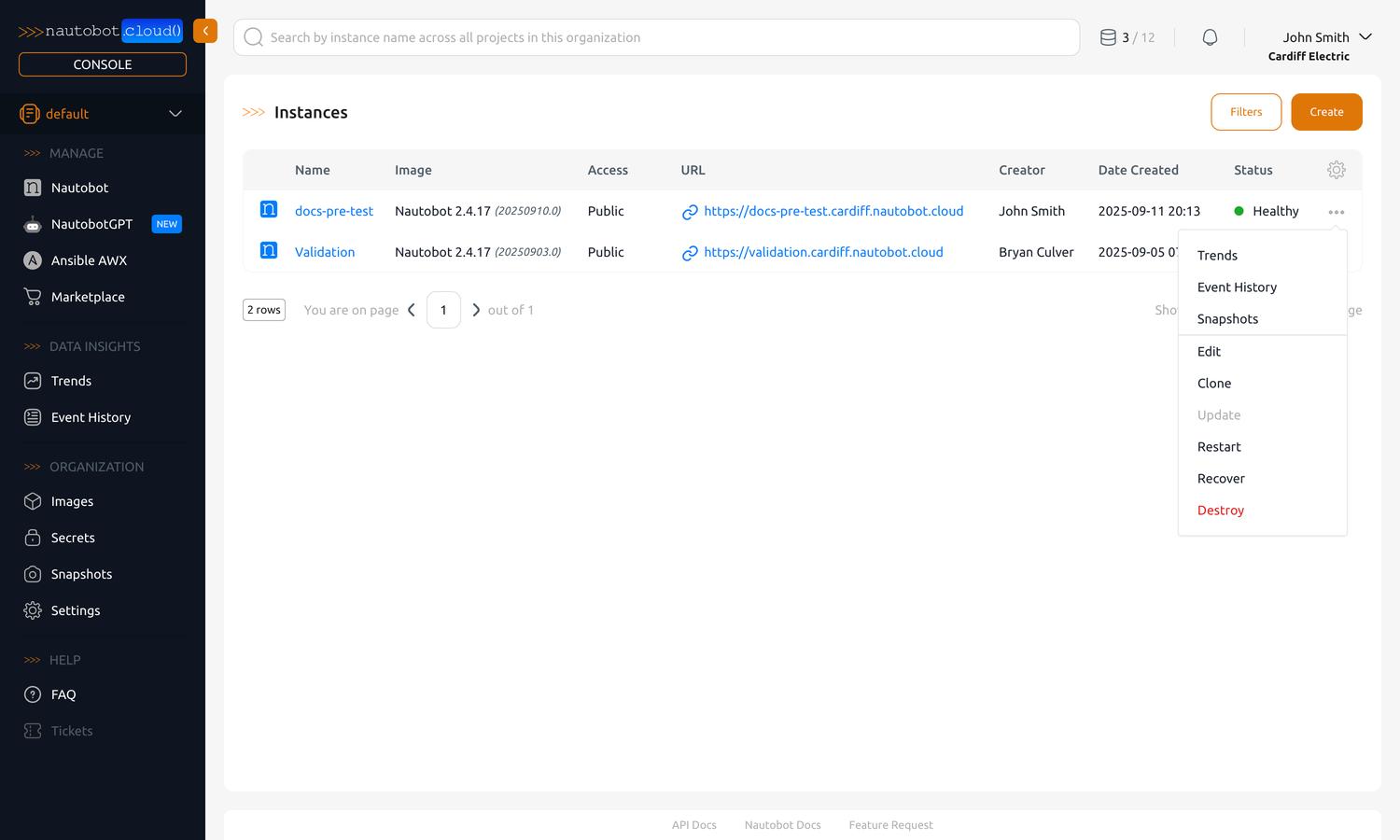
If you already have instances, you can always create another one using the Create button in the top-right corner of the page.
Configure the Instance
Upon clicking the Create button, you will be presented with a form to fill out the details of your new instance.
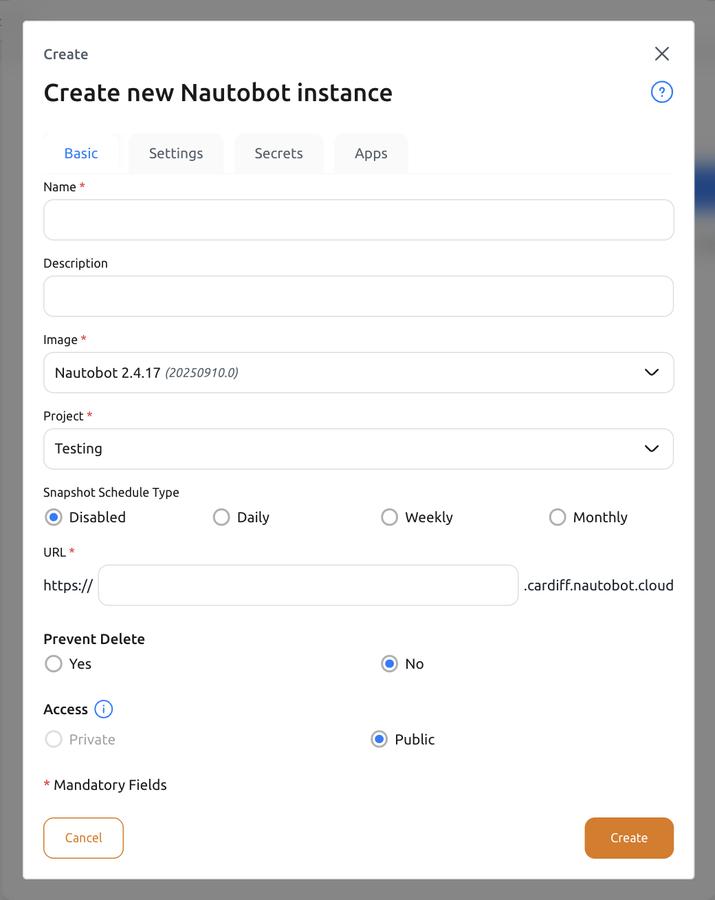
Fields
| Field | Description |
|---|---|
| Name (required) | A human-readable name for the Instance. It also seeds the default URL prefix (see below). |
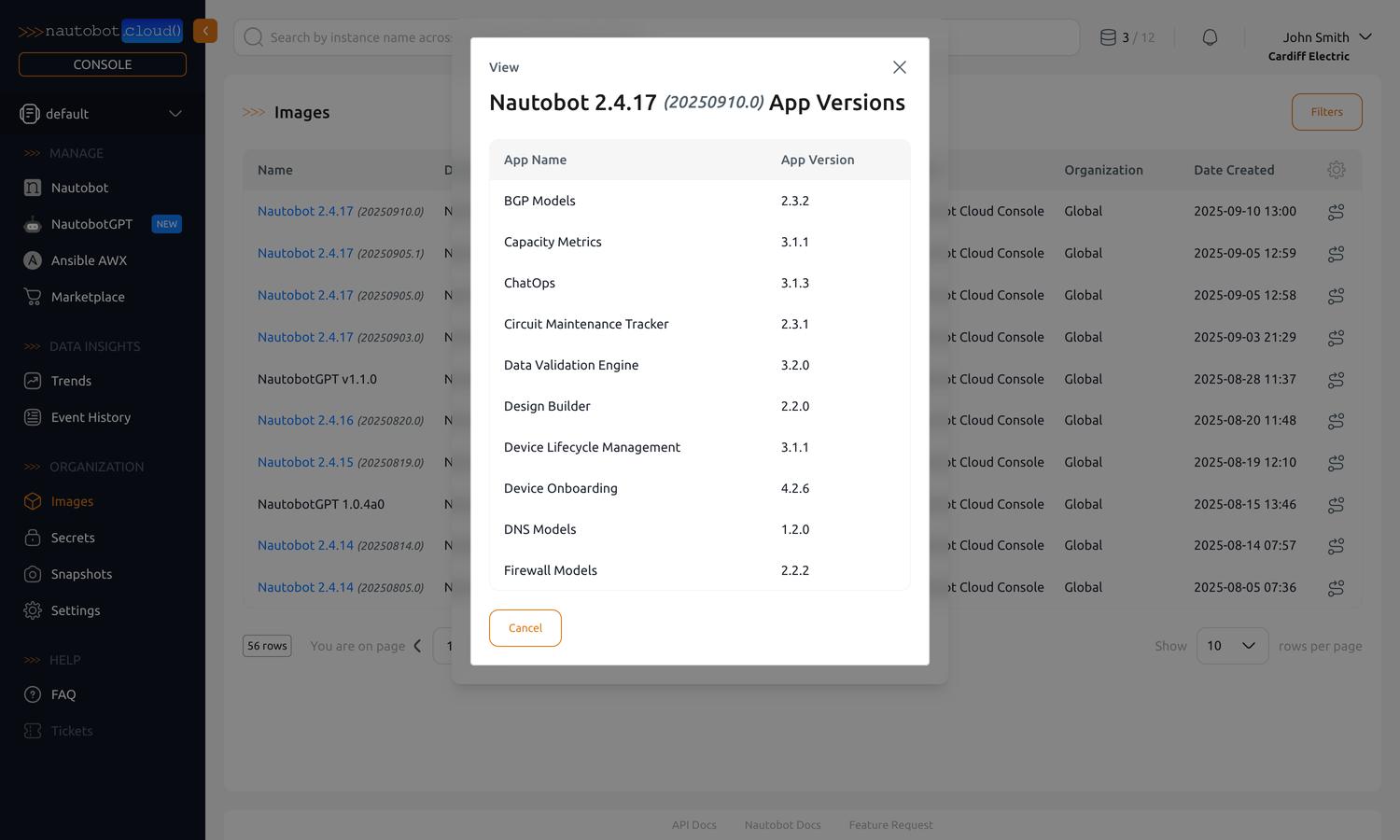
| Image (required) | The image to deploy — a specific Nautobot version together with any bundled Apps and packages. Preferred images are typically the latest release for each major version and image family. Browse available images at Organization Images. |
| Project (required) | The project the instance will belong to. Create one by selecting + Add New Project in the navigation panel. See Manage Projects. |
| URL | The subdomain (prefix) for this instance, combined with your organization's domain to form the full URL: https://<prefix>.<your-org>.nautobot.cloud. Defaults to a URL-friendly version of the Name. If you've added a custom domain (FQDN), the instance is also reachable at <prefix>.<your-custom-domain>.Example: organization acme + prefix prod → https://prod.acme.nautobot.cloud. |
| Production | Runs the instance on the dedicated Production database cluster, isolated from non-production workloads. Set once at creation and read-only afterward. See Production & Non-Production Instances. - Yes: Production database cluster. - No (default): shared Non-Production database cluster. |
| Prevent Delete | A flag to protect the Instance from accidental deletion. Only organization admins can change this after creation. - Yes: Instance cannot be deleted. - No: Instance can be deleted. |
| Access | Defines how the instance can be reached: - Private: reachable only from within your network — requires connectivity to your Private Cloud via VPN, Transit Gateway, or Direct Connect. - Public: reachable over the Internet. |
Install Apps
You can choose to install apps during instance creation. To do this, navigate to the Apps tab. This will bring up a dialog where you can select the apps you want to install from the Nautobot Cloud Marketplace.
Custom apps and other customizations come after creation
During creation you can select Marketplace apps. To install your own custom apps (from PyPI or an uploaded package), declare pip dependencies, or upload static files, create the instance first, then use its Apps and Customization tabs. See Customize an Instance.
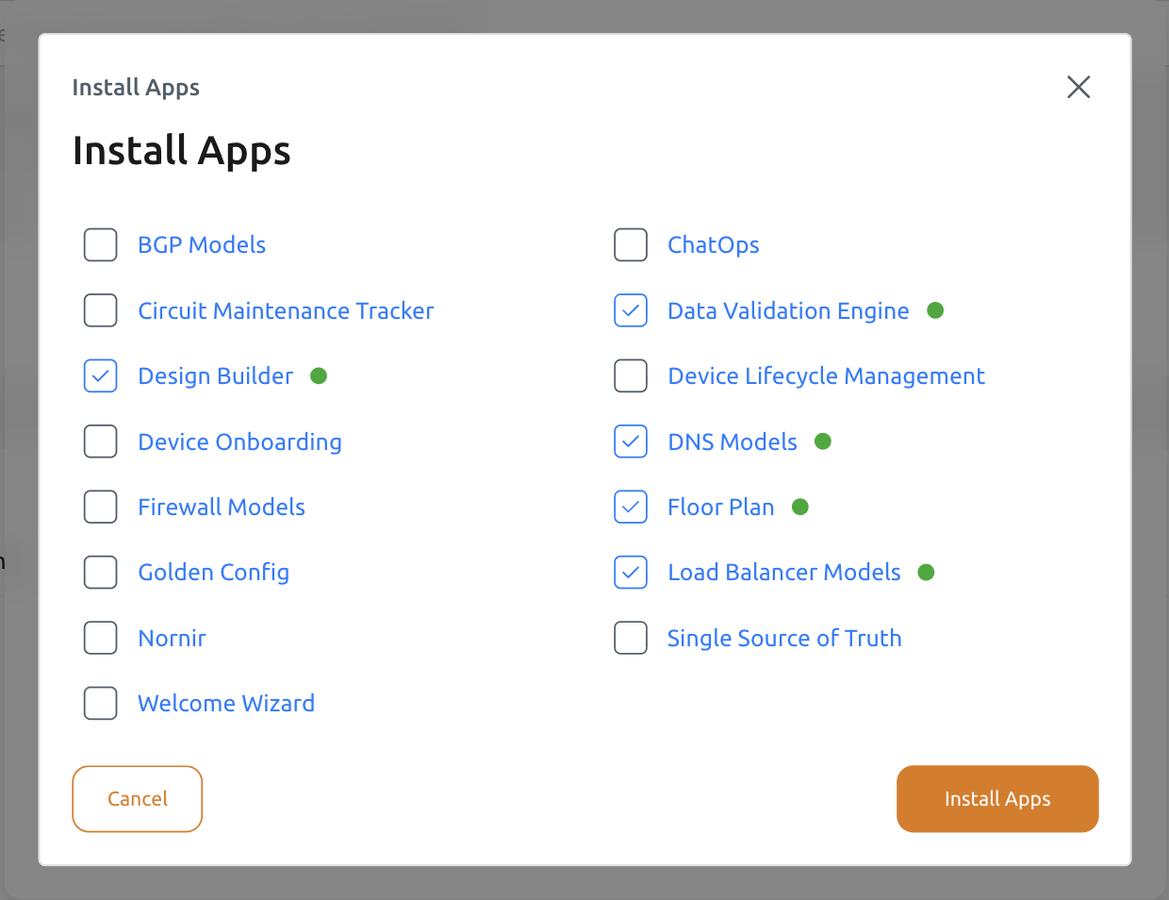
Configure Apps During Installation
Some apps may require configuration before moving forward. To configure an app, click its name in the list. A dialog will open to configure the app's settings.
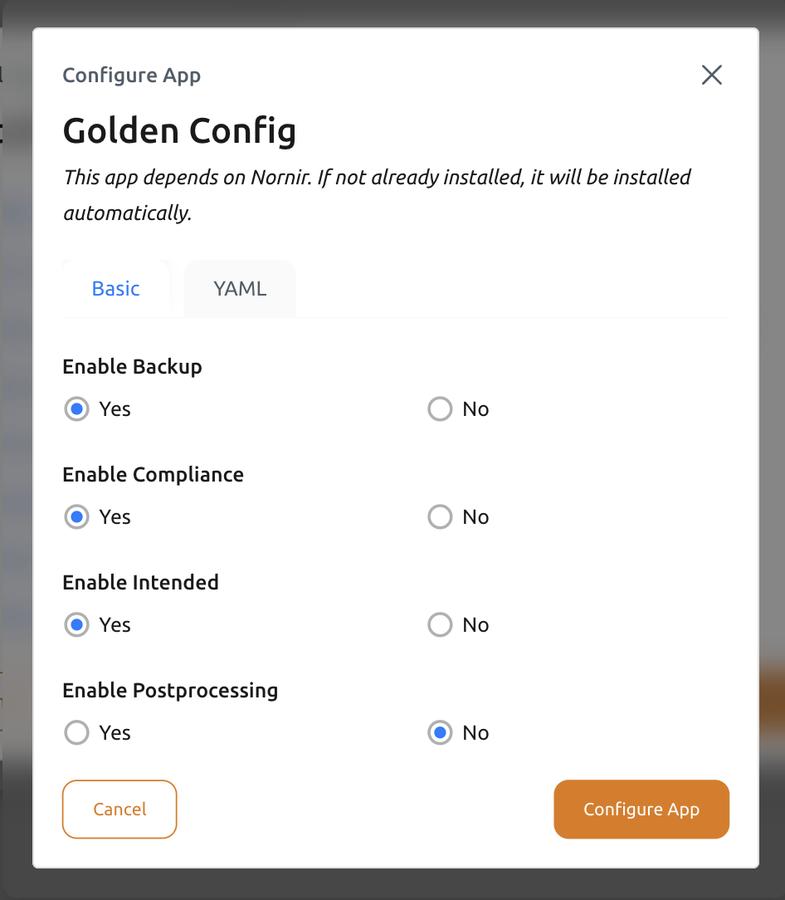
If you see a red dot next to an app in the list, this is a hint that you have yet to verify the app's configuration. Click on the app's name and ensure everything is set up correctly. Then click Configure App to save your changes.
Other Tabs
Other tabs available during instance creation include:
- Settings: Configure non-sensitive environment variables for the instance.
- Secrets: Associate sensitive information, such as API keys and passwords, with the instance.
For more information, see Manage Instances.
Confirm and Create
After filling out the form, click the Create button at the bottom. You will be given admin credentials for the instance. Make sure to copy these credentials, as you will not be able to see them again.
Versioning in Nautobot Cloud
Nautobot Cloud uses Images to handle the versioning and packaging of Nautobot, including any additional Apps and packages you may need. An image is a pre-packaged version of Nautobot; you can update your instance to a different image at any time. To view available images, navigate to Organization Images.
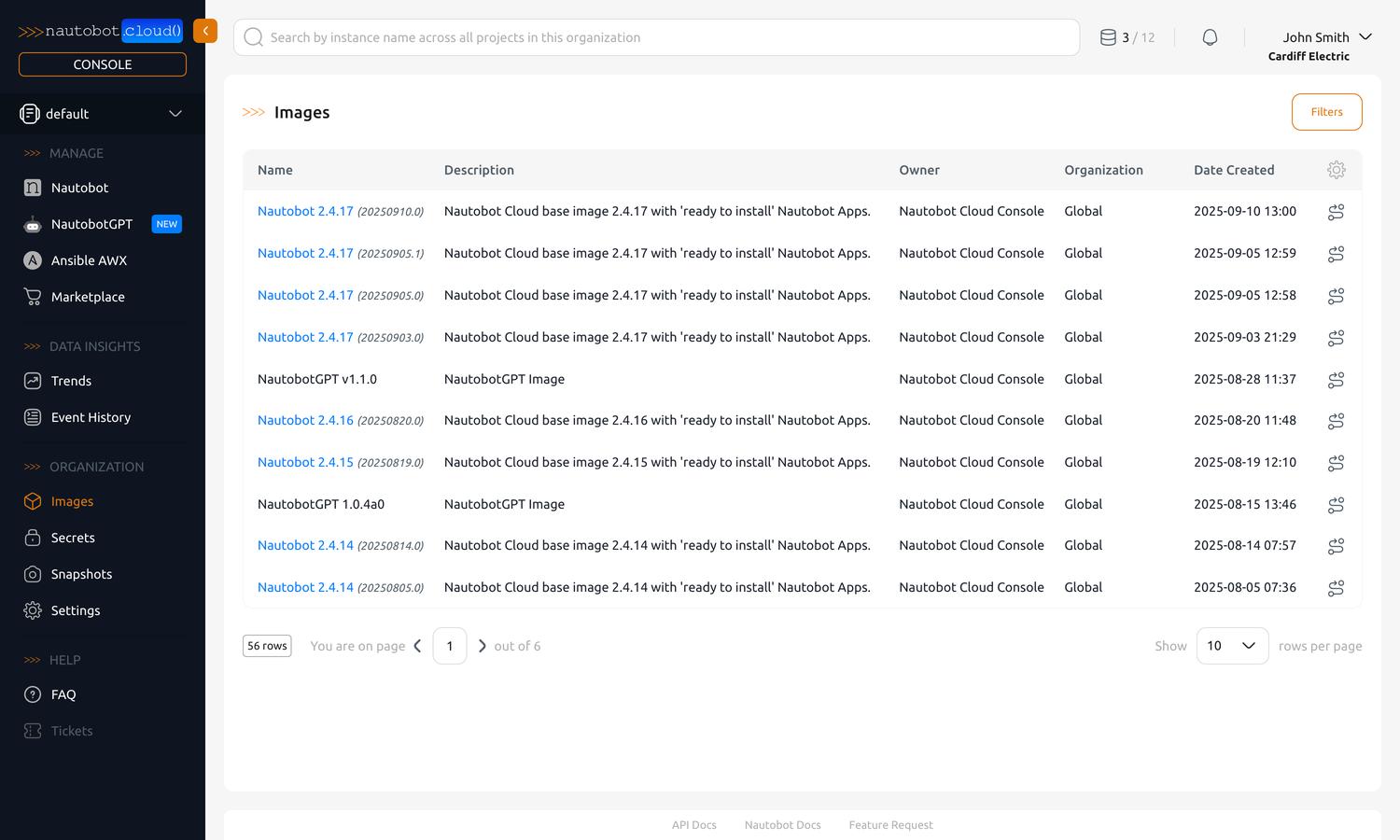
You can click any image to see more details about it, including the base version and any additional apps and packages included.