Homepage Panels
The homepage is made out of panels, sometimes also referred to as cards — the containers grouping related links and summaries (DCIM, IPAM, Change Log, and so on). Which panels appear is determined by your permissions; you only see a panel if you can view at least one of the objects it represents.
You can personalize the layout in the following ways:
- Reorder panels by dragging and dropping.
- Collapse or expand a panel by clicking its header.
Your layout is saved automatically and restored on your next visit.
Resetting Your Layout
Changed in version 3.2.0
The layout is now stored as a server-side user preference (homepage_layout.panels) and follows you across browsers and devices. Earlier 3.x releases kept it in browser local storage only.
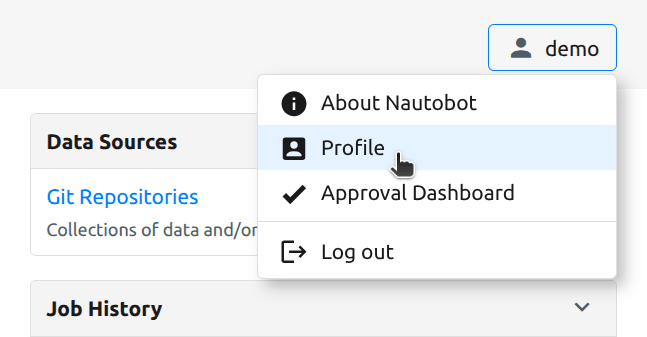
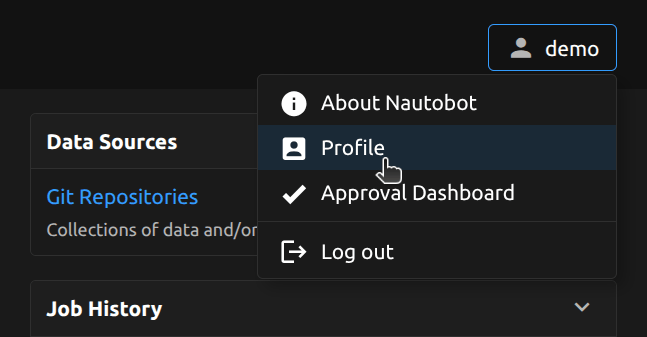
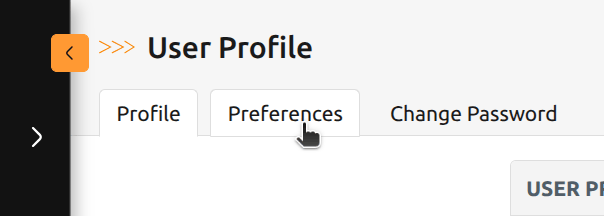
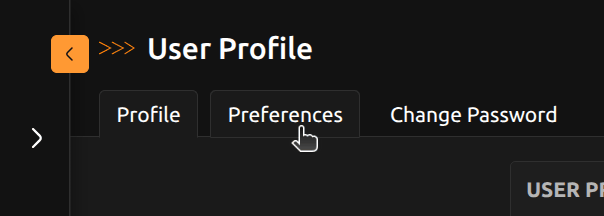
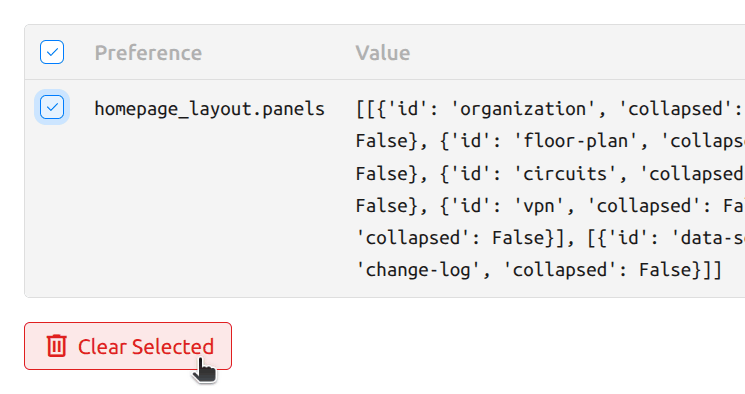
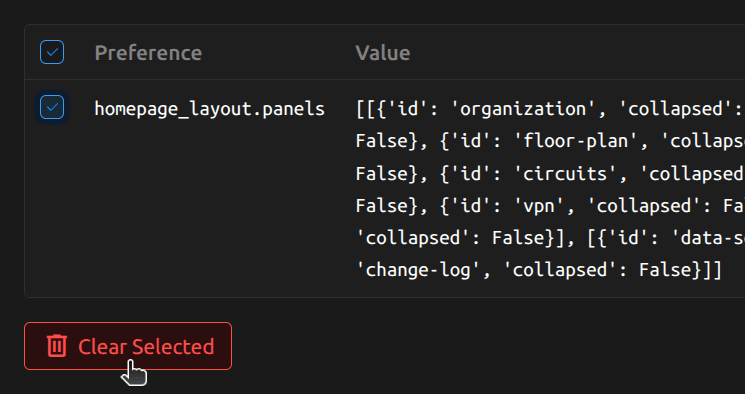
The layout is stored under the homepage_layout.panels preference key. To reset it, go to User Preferences (/user/preferences/), select the homepage_layout.panels row, and click Clear Selected. The home page returns to its default order with all panels expanded.