Nautobot Inventory Integration
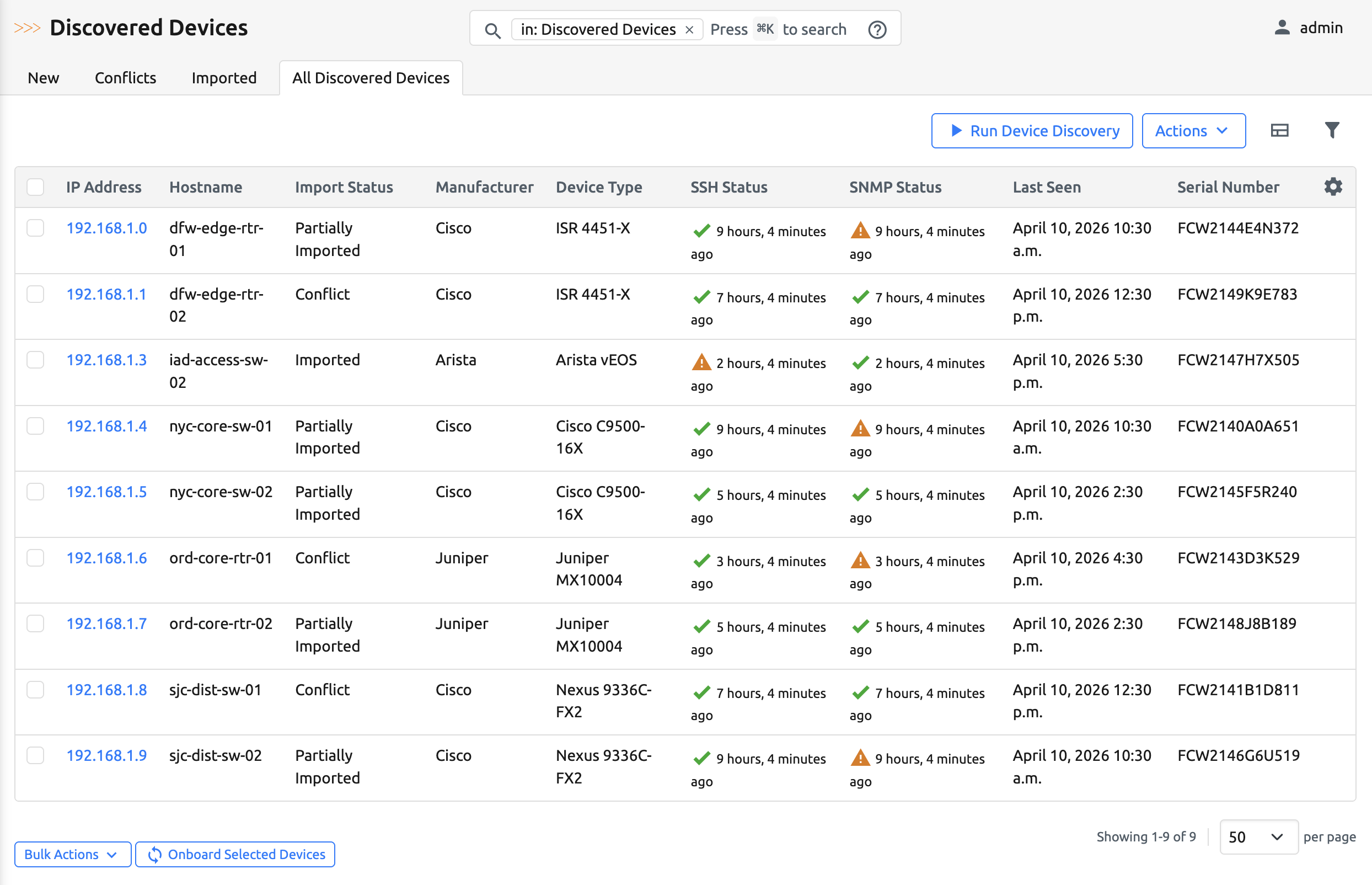
After a discovery scan completes, the app evaluates each discovered device against the existing Nautobot DCIM Device inventory to determine how well it matches the authoritative records. The result is an Inventory Import Status that tells you whether the device is fully inventoried, partially matching, missing, or conflicting.
How Matching Works
Each discovered device is compared against existing Nautobot devices using up to three identifying attributes: primary IPv4 address, hostname, and serial number. The system searches for any existing device that matches at least one of these attributes. This is intentionally flexible to account for incomplete or partially known data during discovery.
Once a candidate device is found, the system evaluates the quality of the match and assigns one of four statuses.
Inventory Import Statuses
Imported
A single Nautobot device is found and all identifying attributes match exactly — primary IP, serial number, and hostname. The discovered device is linked to the existing Nautobot device. This indicates a healthy, fully synchronized inventory state.
New
No Nautobot device matches the discovered IP, hostname, or serial number. The device does not exist in inventory. This could be a new device not yet onboarded, a rogue or unauthorized device, or an IP reassignment outside of Nautobot's control.
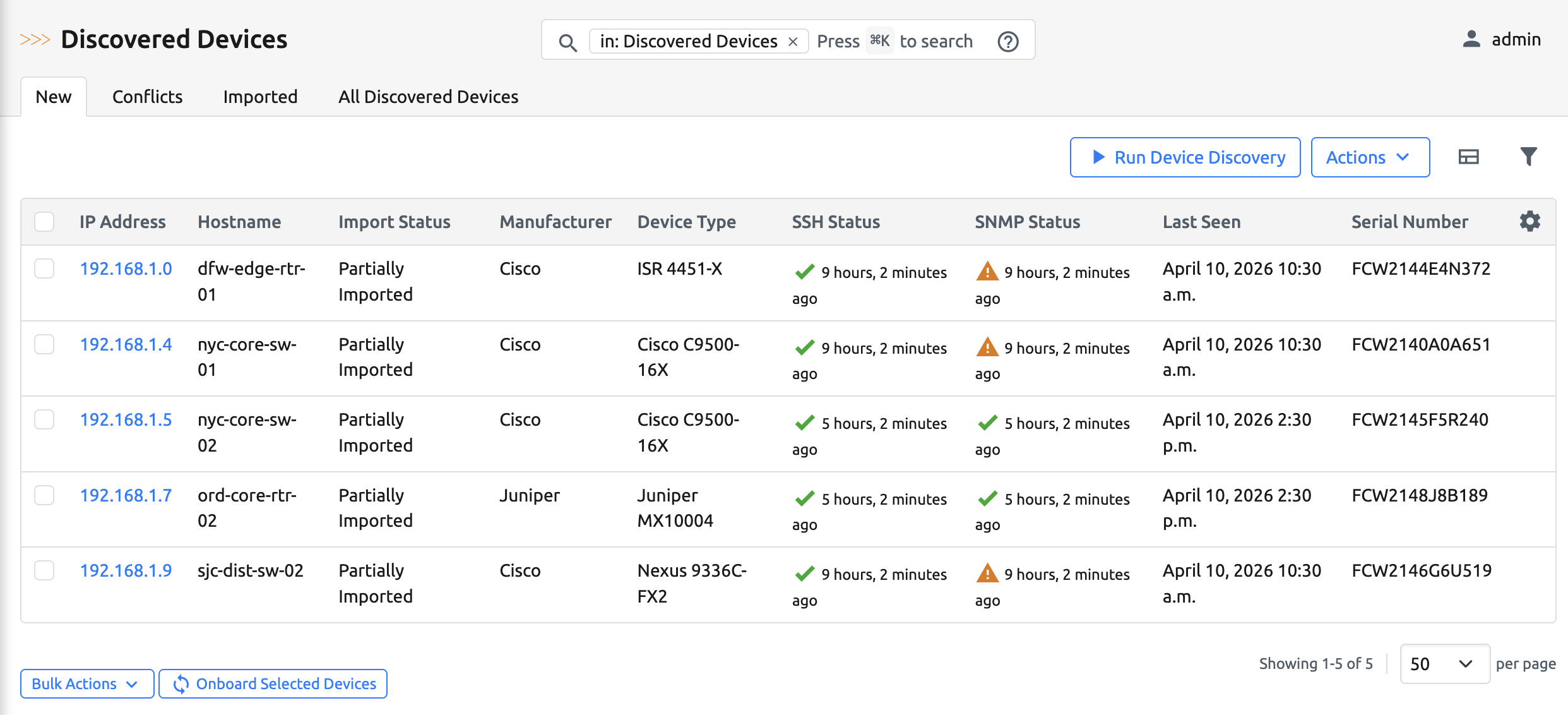
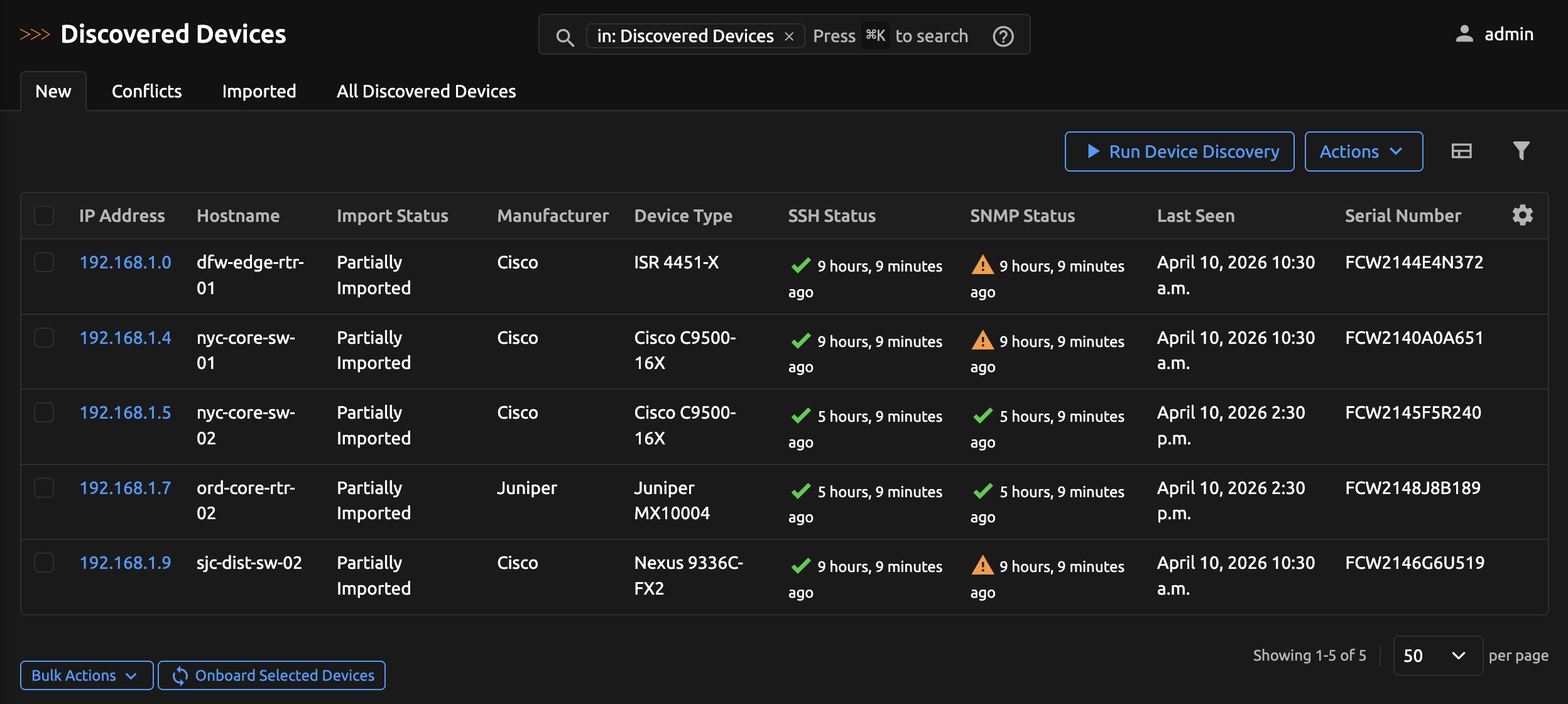
Partially Imported
A single Nautobot device is found, but one or more attributes differ (IP mismatch, serial mismatch, or hostname mismatch). There is likely a relationship, but the data is inconsistent. Common causes include a renamed device, IP reassignment, hardware replacement (RMA), or a serial number missing from the inventory. No automatic linkage is created; this status flags the device for manual review. Partially Imported devices appear under the Conflicts tab.
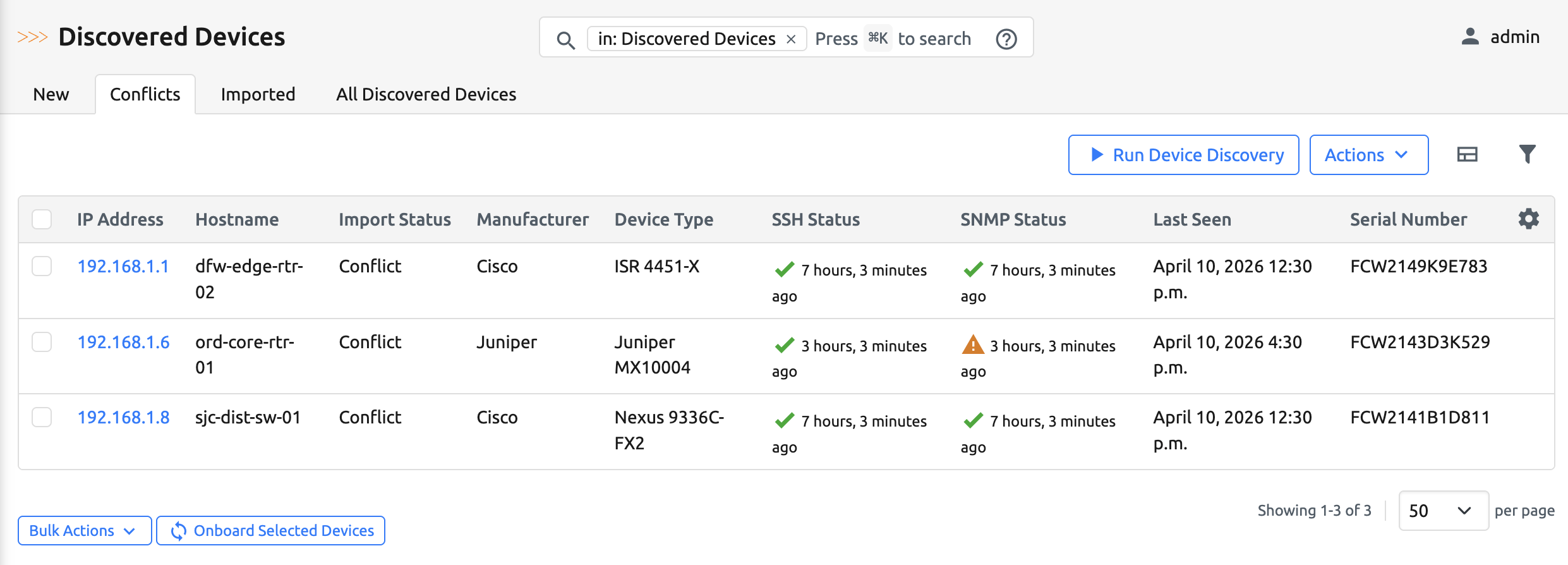
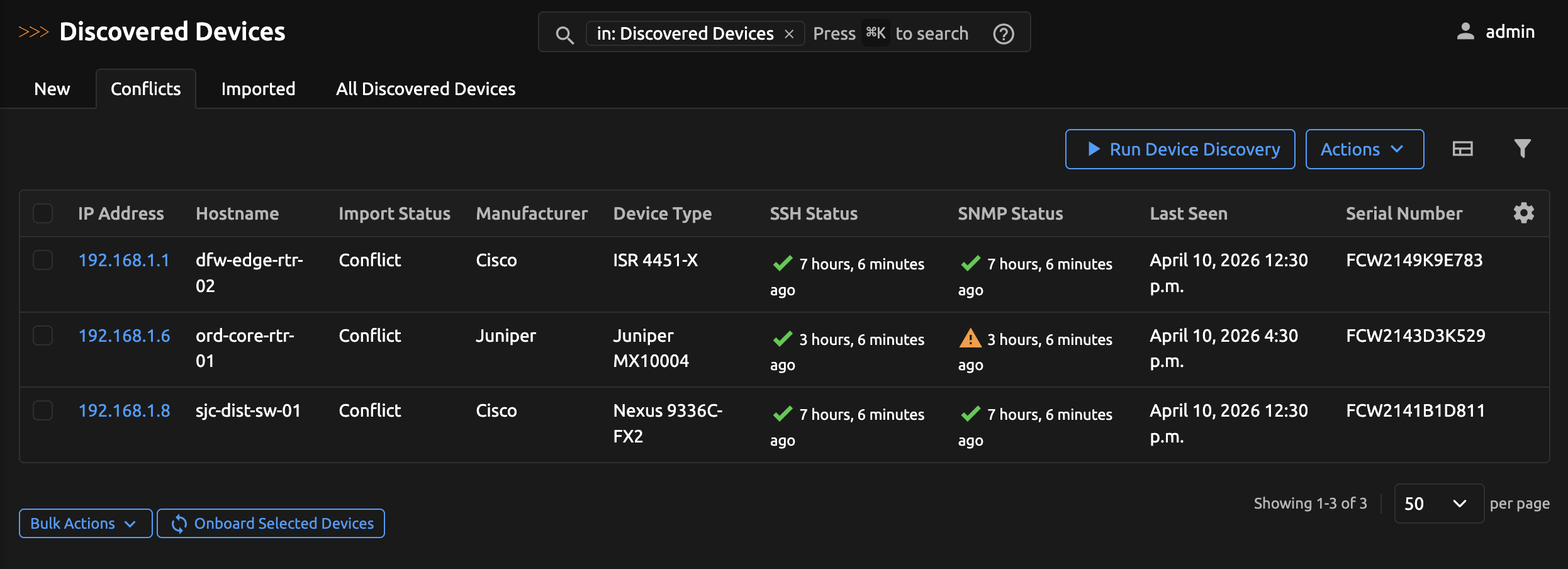
Conflict
More than one Nautobot device matches the search criteria, indicating an inventory integrity issue. Examples include duplicate serial numbers, duplicate IP assignments, hostname reuse, or stale decommissioned records that were never cleaned up. No device association is created; this condition requires remediation in DCIM. Conflict devices appear under the Conflicts tab alongside Partially Imported devices.
All Discovered Devices
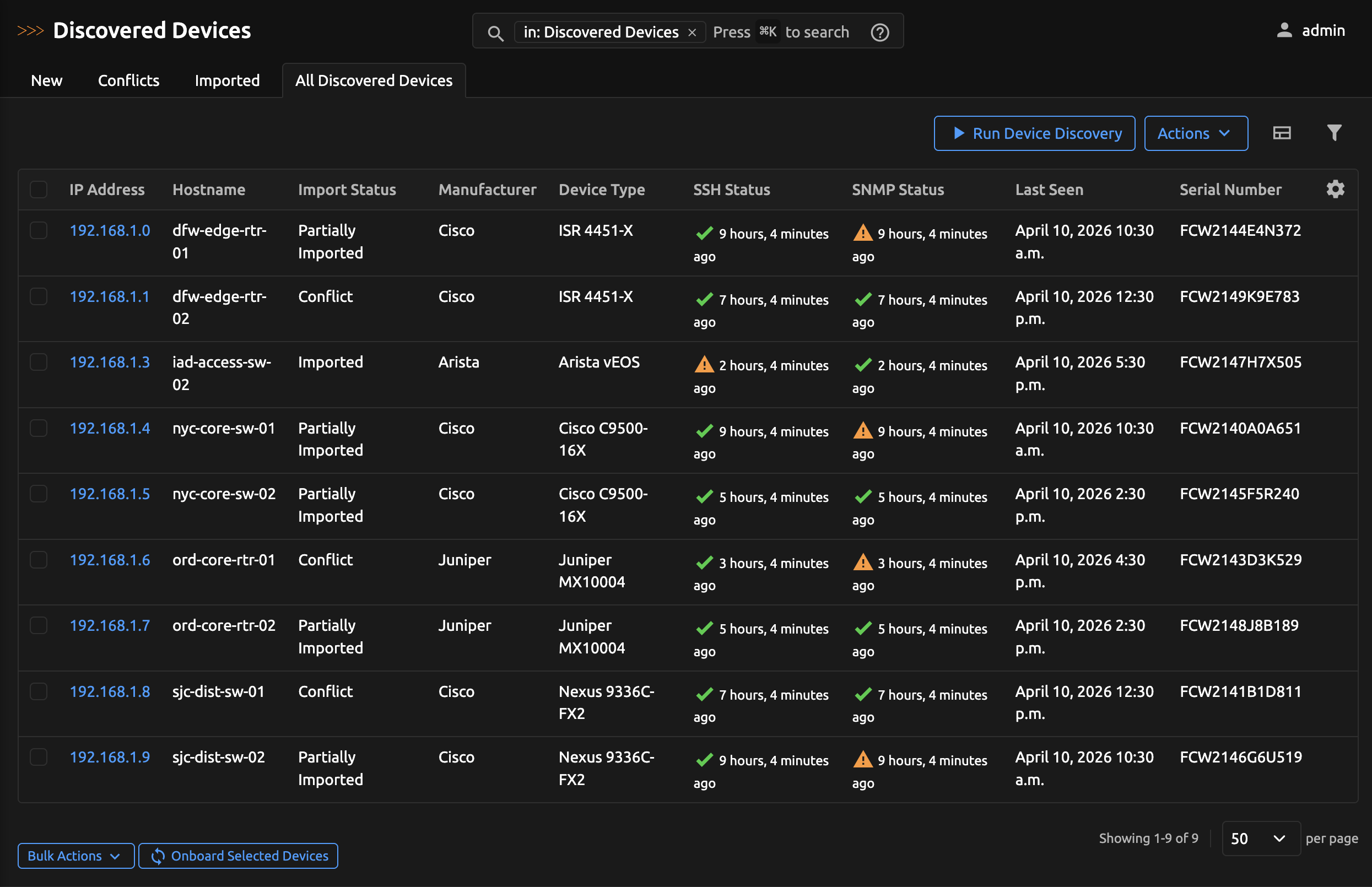
The All tab shows every discovered device regardless of status, useful for searching or exporting the full set of scan results.
Onboarding a Single Device
Open any discovered device's detail view to onboard it on its own, without selecting it from a list. The Onboard Device button opens the same onboarding job used for bulk onboarding, pre-populated for that single device.
When the device has an automated classification, the job form's Location, Role, and Tenant fields are pre-filled from the classification. Fields without a classification match are left empty for you to complete.
Design Rationale
The app does not auto-correct mismatches. When something doesn't line up, such as a changed serial, a duplicate IP, a device that simply isn't in Nautobot, the app flags it and leaves the decision to an operator. This avoids silent data changes that are hard to trace later.
Using the Results
After each discovery run, every discovered device receives an inventory import status. You can filter by status in the Discovered Devices view to identify new devices that need onboarding, detect inventory drift, resolve duplicates, and validate data integrity across your network.