Automated Device Classification
After a discovery scan, devices with status Not Imported need to be onboarded into Nautobot. The onboarding form requires a Location, a Role, and optionally a Tenant — fields that would otherwise have to be filled in manually for every device.
Classification is fully automatic. There is no separate job to run and no button to press — results are recomputed in the background whenever a discovery scan completes or a rule is created, edited, or deleted.
When Classification Is Useful
Use classification when device hostnames, identifiers, or IP scopes follow predictable naming conventions that map to existing Nautobot Locations, Roles, or Tenants. Typical examples include site codes embedded in hostnames (ams-, nyc-), role keywords (-core-, -edge-, -access-), or per-tenant subnet ranges.
Skip classification (or leave it disabled with no rules defined) if your environment has no consistent naming convention, if hostnames are arbitrary, or if you prefer to assign Location, Role, and Tenant manually during onboarding for every device.
How It Works
A DeviceClassificationRule describes how to derive a single classification target — Location, Role, or Tenant — from a discovered device. Rules are grouped by target and evaluated in weight order (ascending, then by name). For each target, the first enabled rule that produces a single unambiguous match wins. The three targets are evaluated independently, so a device can end up with a Location classified but not a Role.
For every Not Imported device the engine performs the following lookup for each target:
- If the rule has an IP Scope defined, the device's IP must fall within one of the listed prefixes. Otherwise the rule is skipped.
- The configured Source Field is read from the device (currently
hostname). - The Source Pattern is applied as a regex. The pattern must contain a named capture group
(?P<value>...)— the captured substring is the Extracted Value. - The optional Extracted Value Transformation is applied (e.g.,
lowercase). - The model implied by Classify As — Location, Role, or Tenant — is queried using
{match_field}__{match_operator}=extracted_value, narrowed by any additional Match Filters constraints. - If exactly one object is returned, it is recorded as the match together with the rule that produced it. Zero or multiple matches are skipped and the next rule in the target's set is tried.
Results are written to a DiscoveredDeviceClassification record attached to the discovered device.
Tip
Classification only ever fires when a lookup returns exactly one candidate. Zero or multiple matches are intentionally treated as no match — incorrect auto-assignment is more harmful than no assignment.
Configuring Rules
Navigate to Devices > Discovery > Classification Rules > + Add.
The full field reference is documented under the Classification Rule data model. The most commonly used fields are:
| Field | Purpose |
|---|---|
| Classify As | Which device field this rule populates: Location, Role, or Tenant. |
| Weight | Lower weight = higher priority. The first matching enabled rule in each target set wins. |
| Source Pattern | Regex with a named (?P<value>...) capture group. The captured substring is the value used in the lookup. |
| Match Field | Field on the matched Location, Role, or Tenant compared with the extracted value, e.g. name. |
| Match Operator | How the extracted value is compared to the Match Field (e.g., iexact, icontains). |
| Match Filters | Extra equality filters that narrow the lookup, e.g. {"status__name": "Active"}. Up to two foreign-key traversals are supported. |
| IP Scope | Optional list of prefixes restricting the rule to a subset of devices. |
Note
The Nautobot model to match against is derived automatically from Classify As: Location → dcim.location, Role → extras.role, Tenant → tenancy.tenant. It is exposed read-only as content_type in the REST API, but it is not stored on the rule and not something you set.
Examples
Classify Location from a site code in hostnames
Hostnames follow <site>-<role>-<seq>, e.g., ams-core-01, nyc-edge-02. The site codes (ams, nyc) match Location names in Nautobot.
| Field | Value |
|---|---|
| Name | Classify location from hostname site code |
| Weight | 10 |
| Classify As | Location |
| Source Pattern | ^(?P<value>[a-z]{2,4})- |
| Match Field | name |
| Match Operator | exact |
ams-core-01 extracts ams, finds one matching Location, and is classified as Amsterdam. xyz-sw-01 extracts xyz, finds no match, and the rule is skipped.
Classify Role from a hostname segment
Hostnames embed a role keyword: nyc-core-01, lon-edge-03, par-access-02.
| Field | Value |
|---|---|
| Name | Classify role from hostname |
| Weight | 10 |
| Classify As | Role |
| Source Pattern | -(?P<value>core\|edge\|access)- |
| Match Field | name |
| Match Operator | iexact |
Classify Tenant by IP scope
Different tenants own different subnets. Devices in 10.50.0.0/16 belong to Tenant A; devices in 172.20.0.0/14 belong to Tenant B. Two rules with the same weight but different ip_scope values ensure only the right rule fires per subnet:
| Field | Rule A | Rule B |
|---|---|---|
| Classify As | Tenant |
Tenant |
| IP Scope | 10.50.0.0/16 |
172.20.0.0/14 |
| Source Pattern | ^(?P<value>tena)- |
^(?P<value>tenb)- |
| Match Operator | icontains |
icontains |
Fallback rules with increasing weight
To support multiple conventions with a fallback, set lower weights on the more specific rules. The engine stops at the first rule that returns exactly one match.
| Weight | Pattern | Notes |
|---|---|---|
10 |
^(?P<value>[a-z]{3})- |
3-letter site code (precise) |
50 |
^(?P<value>[a-z]{2})- |
2-letter site code (fallback) |
100 |
^(?P<value>[a-z]{4})- |
4-letter site code (last resort) |
Viewing Classification Results
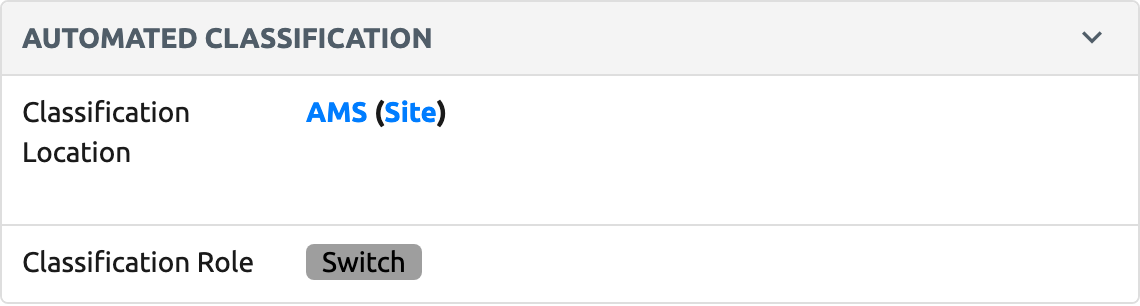
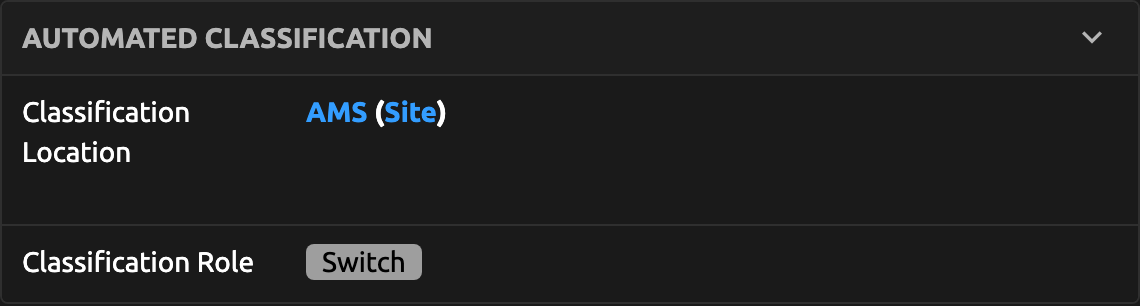
Open any Not Imported discovered device — the Automated Classification panel on the detail view shows the pre-computed Location, Role, and Tenant matches. The panel only renders when at least one of the three targets has been classified; devices with no matches will not show it.
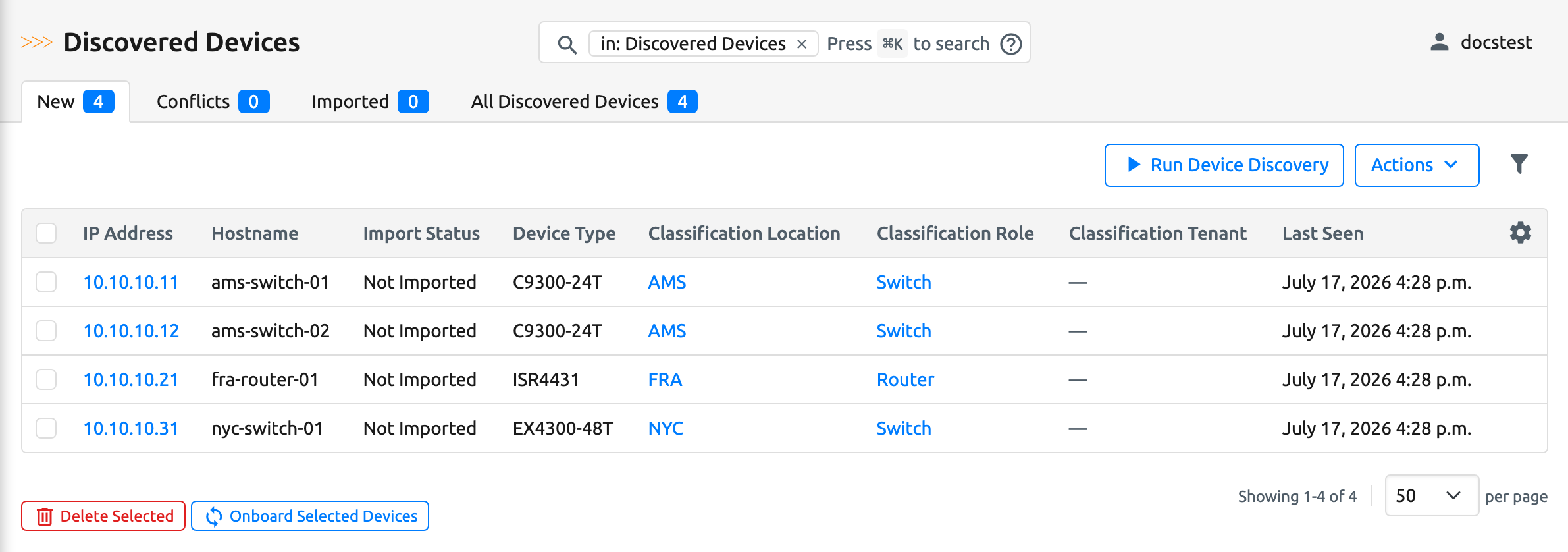
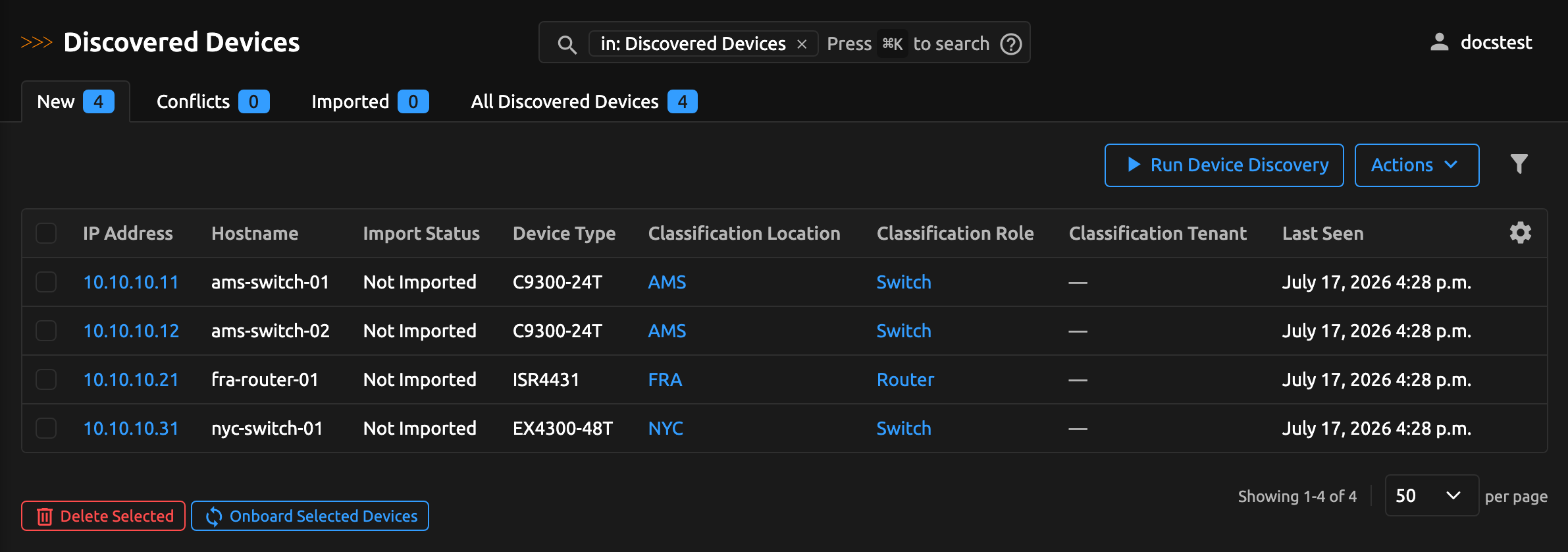
The Discovered Devices list view also exposes Classification Location, Classification Role, and Classification Tenant columns. They are hidden by default; enable them from the table's configuration button (the gear/cog icon above the table) to review classifications across many devices at once — useful when bulk-selecting devices for onboarding.
The rule that produced each match and a human-readable reason — for example, Rule "Classify location from hostname site code": extracted "ams" from 'hostname' — matched location name="ams" — are stored on the DiscoveredDeviceClassification record and accessible via the REST API and GraphQL, but are not displayed in the UI panel.
Caveats and Limitations
Only Not Imported devices are classified. As soon as a device transitions to any other status (Imported, Partially Imported, Conflict), its classification record is deleted automatically.
The current version supports hostname as the only Source Field. Devices with a blank hostname are skipped by every rule that inspects hostname.
Classification does not modify devices, change inventory status, or start onboarding. It only adds its suggestions to the discovered device and onboarding remains a deliberate follow-up action.
Recomputation runs when discovery results create/update Not Imported devices and when a rule changes (create, edit, disable, delete). When a rule changes, all Not Imported devices are re-evaluated so classification results stay consistent with the latest rule set and the latest Nautobot Location, Role, and Tenant data.
Warning
The initial discovery prepares your newly discovered devices by calculating their classification rules automatically. For especially large imports, this setup step may temporarily increase page load times while processing completes.
The match_filters JSON dict accepts Django ORM field lookups but is limited to two foreign-key traversals (e.g., parent__location_type__name is allowed; deeper paths are rejected at save time). The source_pattern field must contain a (?P<value>...) named capture group; a pattern without it is rejected at save time.
What's Next?
- Review the data model field reference for the Classification Rule and Discovered Device Classification.
- See Inventory Integration for how Not Imported devices are identified in the first place.
- See Getting Started for the end-to-end discovery and onboarding workflow.