Troubleshooting Tools
Nautobot Professional includes a suite of troubleshooting diagnostic tools that help you validate your Nautobot environment.
Running a Tool
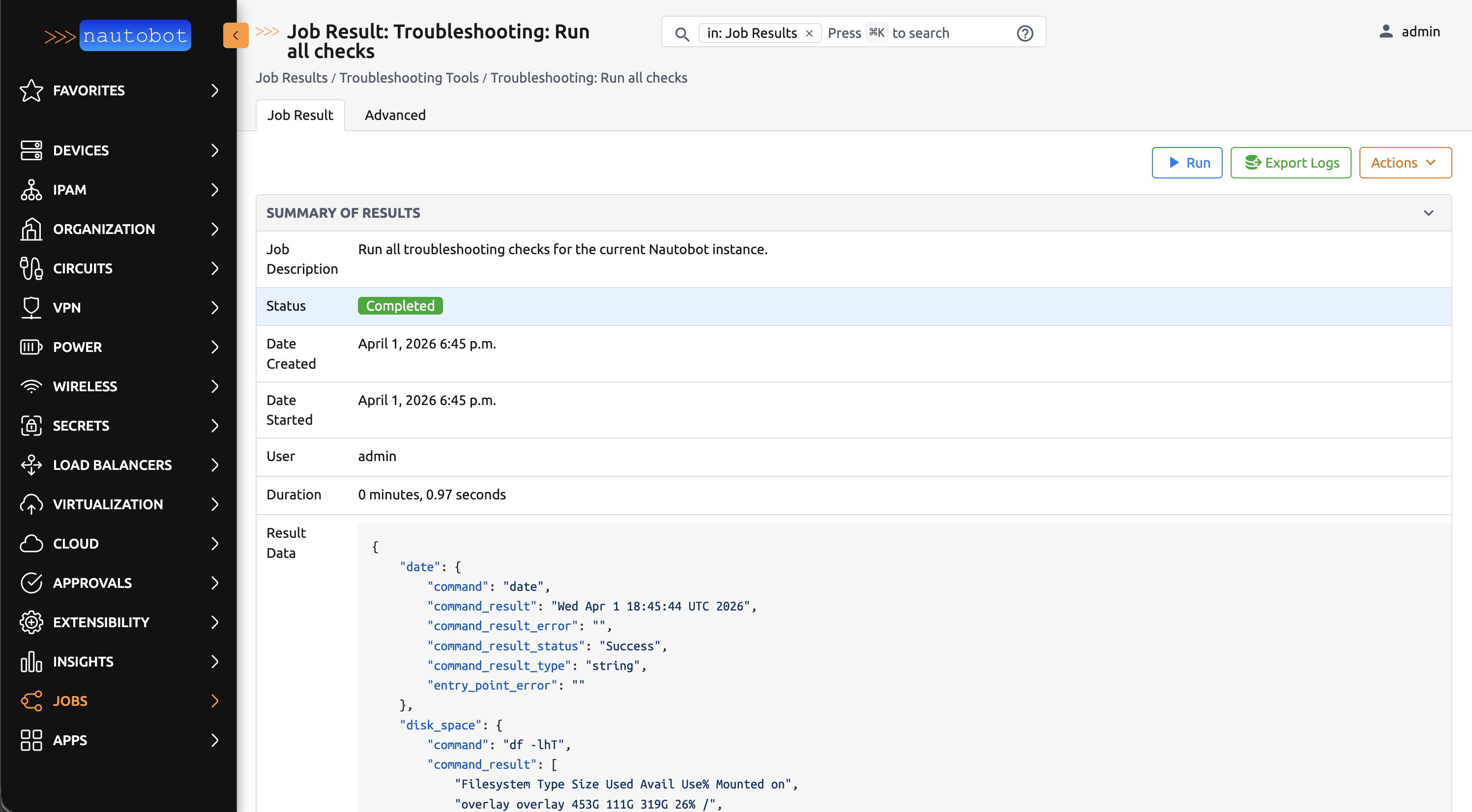
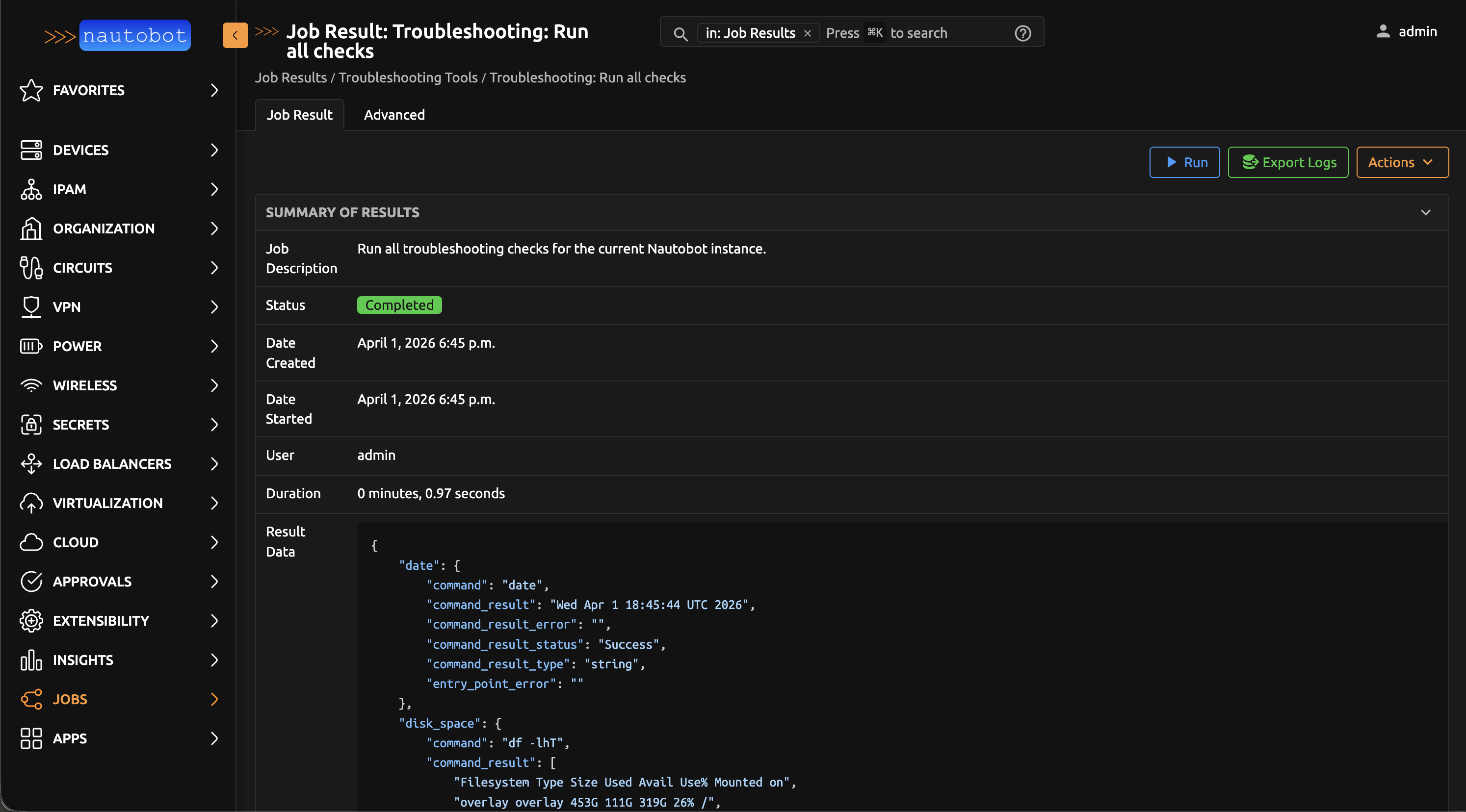
Troubleshooting tools are available as Nautobot Jobs or via Python script in the CLI.
Running via Nautobot Job
Running via CLI


Troubleshooting Checks
Troubleshooting checks are individual YAML files which can be run by the Troubleshooting Tool. These can collect environment information via a Nautobot Job or the CLI of the environment. Disabled checks may be hard-coded to be enabled, if required by support.
Warning
Troubleshooting Checks include some sanitization around commonly used patterns, such as PASSWORD, KEY, and TOKEN. Please review any output before sharing the results.
Enabled Checks
| Check Name | Description |
|---|---|
| date | Returns date from the host. |
| disk_space | Returns utilization information of local disk space about the host in human-readable format |
| dns | Returns domain nameserver from the host. |
| host_uptime | Processes /proc/uptime and converts to day:hour:min:sec format |
| hostname | Returns hostname from the host |
| lscpu | Returns CPU architecture information from sysfs, /proc/cpuinfo and any applicable architecture-specific libraries |
| meminfo | Returns memory information about the host |
| nautobot_server_apps | Returns information about apps from running nautobot |
| nautobot_server_counts | Returns object counts from running nautobot |
| nautobot_server_django_settings | Returns troubleshooting management command from running nautobot |
| nautobot_server_health_check | Returns information about nautobot health check from a running instance |
| nautobot_server_jobs | Returns information about nautobot jobs from a running instance |
| nautobot_server_version | Returns nautobot-server --version from the nautobot instance |
| os-release | Returns os-release information about the host |
| pip_freeze | Returns pip list as requirements.txt |
| pip_version | Returns pip --version about pip |
| pwd | Returns the working directory starting from root. currently disabled for host_details.yaml |
| python_version | Returns python --version about python |
| uname_a | Returns the name of the operating system implementation. -a includes the following flags -m, -n, -r, -s, -v |
| which_pip | Returns which pip about pip |
| which_python | Returns which python about python |
| whoami | Returns whoami from the host |
Disabled Checks
| Check Name | Description | Reason Disabled |
|---|---|---|
| alias | Returns list of alias for this user on host. This is not a default command on all operating systems. | This check is disabled until possible secrets placed in the alias list can be sanitized. |
| ansible_version | Returns ansible --version on host system | This check is disabled unless ansible is installed. |
| available_commands | Returns list of commands available to the user from the host | This check is disabled as it can return sensitive information without redaction |