App Overview
This document provides an overview of the App including critical information and important considerations when applying it to your Nautobot environment.
Note
Throughout this documentation, the terms "app" and "plugin" will be used interchangeably.
Description
The Reports app turns live Nautobot data into polished, shareable documents. Instead of exporting a single table or writing a one-off script, you assemble a Report Template from an ordered list of blocks (a title page, a table of contents, rich text, Nautobot Saved Views, Export Templates, and free-form Jinja), then render the whole thing to HTML, PDF, or DOCX.
Reports are built in a live, drag-and-drop report builder with a preview pane, so you can see the rendered document as you arrange and configure blocks. When a report is generated it is stored as an immutable Published Report snapshot: the rendered HTML is frozen at generation time alongside metadata about who ran it and when, so historical reports stay reproducible even after the source template is edited or deleted.
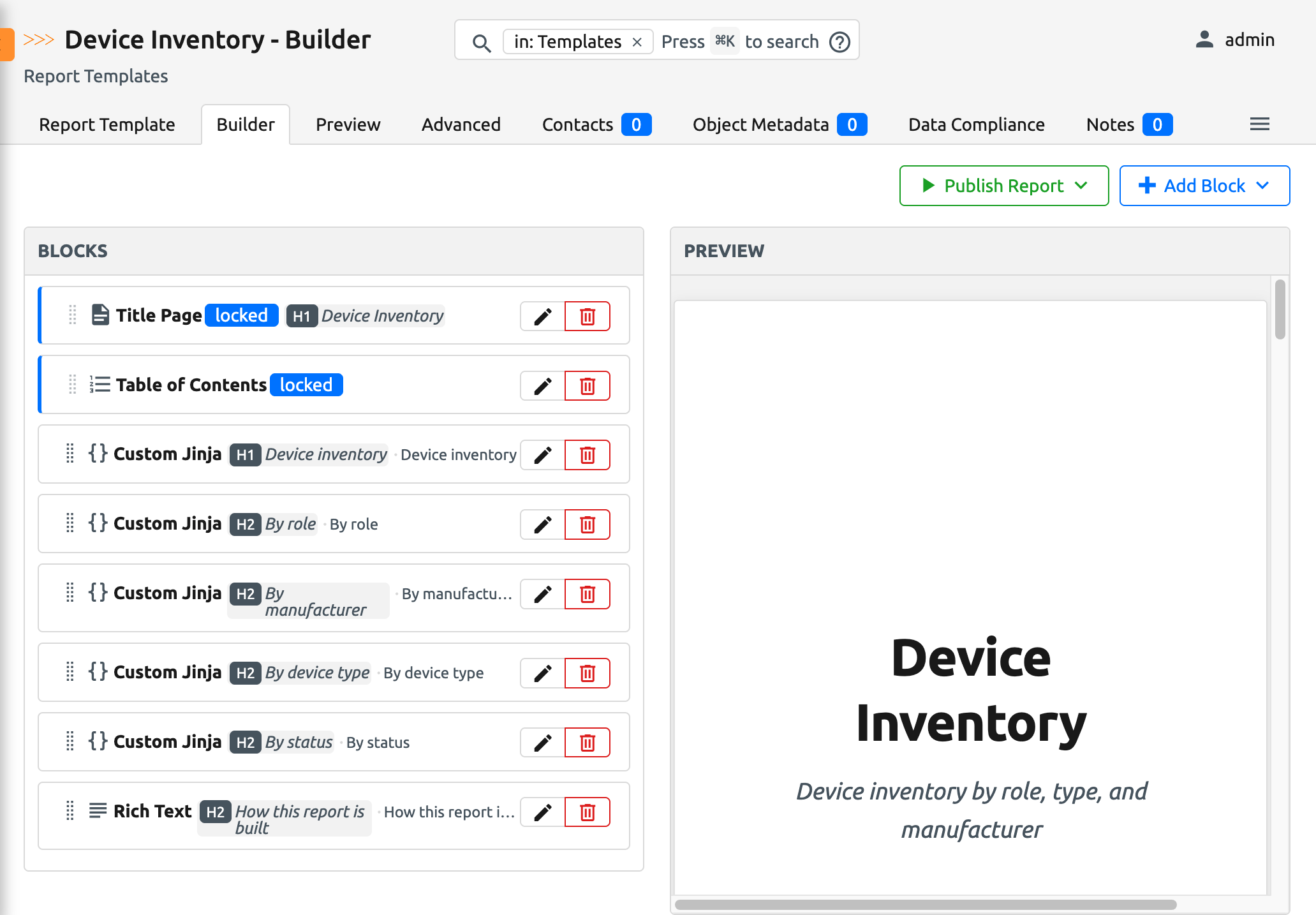
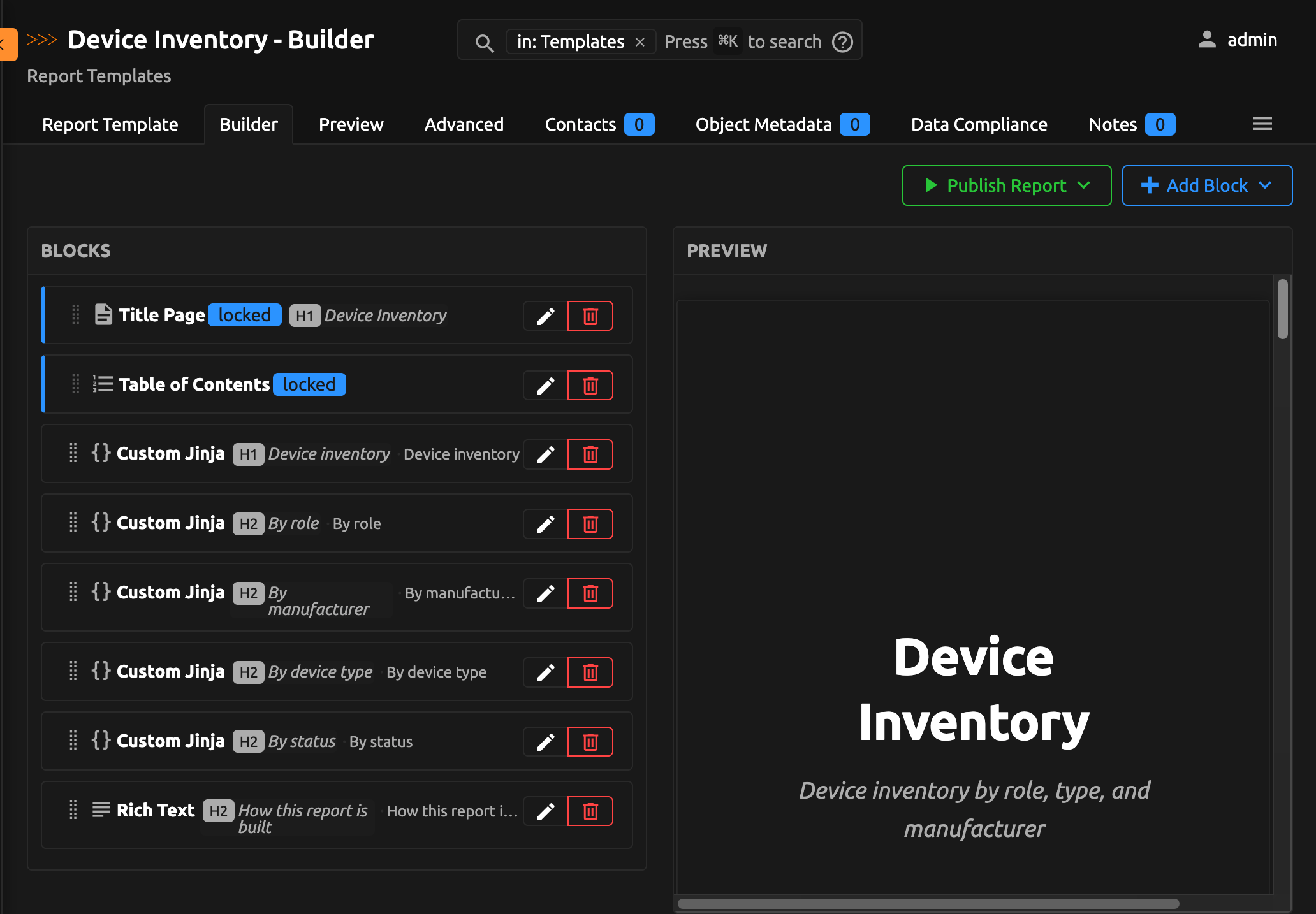
Because data is pulled live at render time and scoped to the permissions of the user generating the report, a report is always current and never exposes objects the requesting user could not otherwise see. Reports can also be published and emailed to a list of recipients in one step: inlined into the message body, attached as whole-report files, or broken out into per-block file attachments. Typical outputs include network status reports, security reviews, compliance summaries, and upgrade or change-window documents.
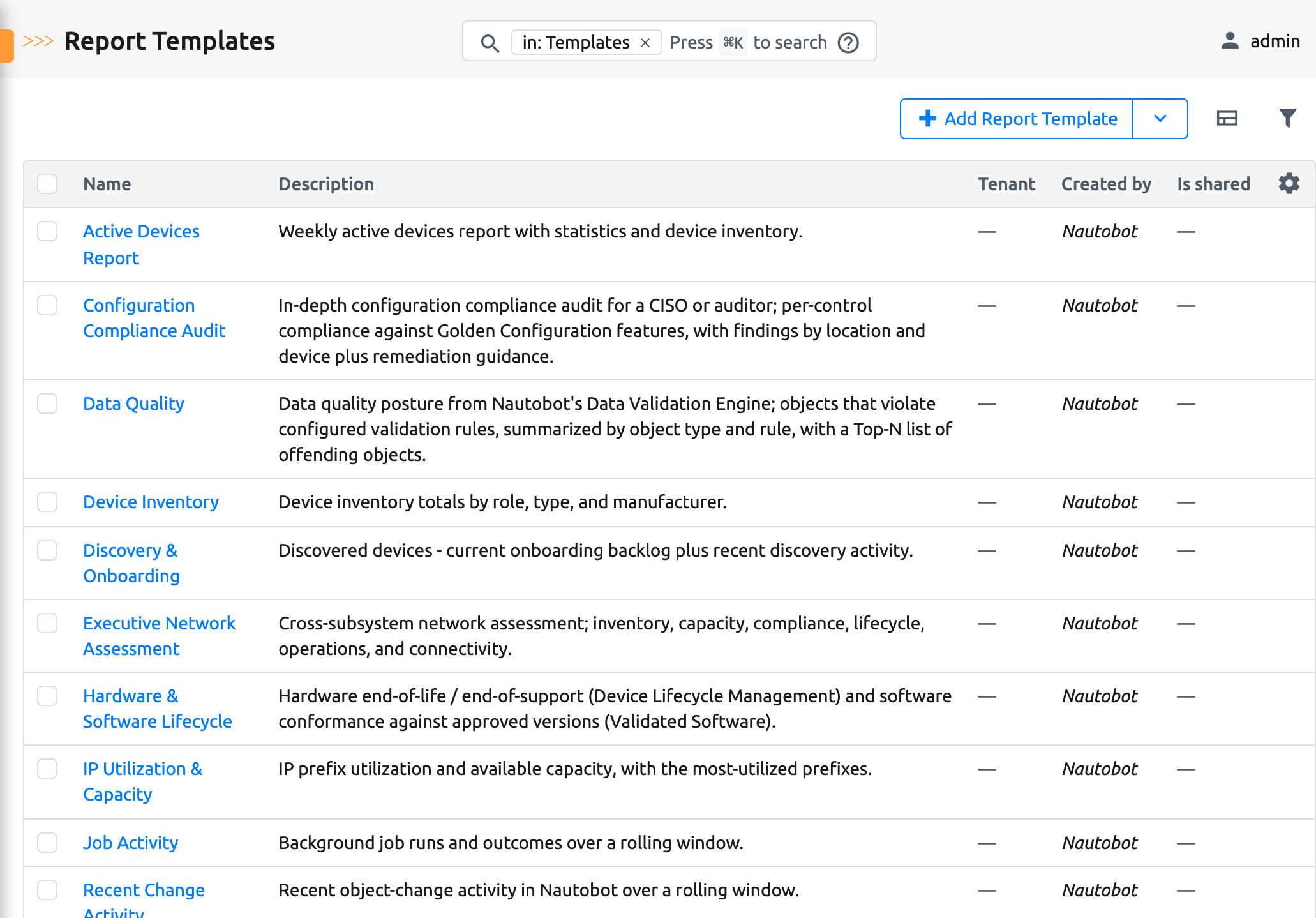
The Reports app bundles eleven ready-made report templates covering common operational, capacity, compliance, and lifecycle reporting needs. See Pre-built Reports for more details.
Audience (User Personas) - Who should use this App?
- Network and infrastructure engineers who need to produce recurring documents (status reports, audits, upgrade summaries) from Nautobot data without exporting to spreadsheets or hand-writing scripts.
- Team leads and managers who want scheduled, emailed reports delivered to stakeholders.
- Compliance and security reviewers who need reproducible, point-in-time snapshots of the state of record.
Report authors work entirely in the Nautobot UI; no coding is required for the built-in block types. Authoring Jinja Template blocks assumes familiarity with Jinja and the Nautobot data model.
Scalability
Reports render synchronously against live Nautobot data, so the app enforces limits that keep report generation fast:
- Saved View and Export Template blocks render at most 10 rows in the report body and 1000 rows in email attachments by default. Both limits are configurable per block and clamped to a hard system ceiling of 5000 rows.
- Jinja Template blocks are not row-capped; see Building Reports with Jinja Templates for how to keep them fast with aggregation and slicing.
If you experience unexpected performance or scale issues, contact Network to Code support.
Authors and Maintainers
- Network to Code, LLC
Nautobot Features Used
The app installs three models (Report Template, Report Block, and Published Report) with full UI, REST API, and filtering. It integrates with several core Nautobot features:
- Saved Views (
extras.SavedView): a data source for table blocks, a filter/narrowing layer over Export Template blocks, and bound variables in Jinja Template blocks. - Export Templates (
extras.ExportTemplate): rendered against a model queryset to produce report content. - GraphQL Saved Queries (
extras.GraphQLQuery): bound as variables inside Jinja Template blocks. - Object permissions: every data-bearing block queries through the acting user's permissions, so reports honor Nautobot's authorization model.
- Tenancy (
tenancy.Tenant): templates can optionally be scoped to a tenant. - Global search: Report Templates are searchable from Nautobot's global search.
Extras
- Jobs: the app registers two Jobs:
- Publish Report renders a template and stores a Published Report snapshot.
- Publish And Email Report publishes a snapshot and emails it (inline, whole-report attachment, and/or per-block attachments) to recipients.
- Navigation: adds a Reports group under the Insights menu tab, with links to Reports (published) and Templates.
- Custom Fields / Relationships: none are created by this app.