Building Reports with Jinja Templates
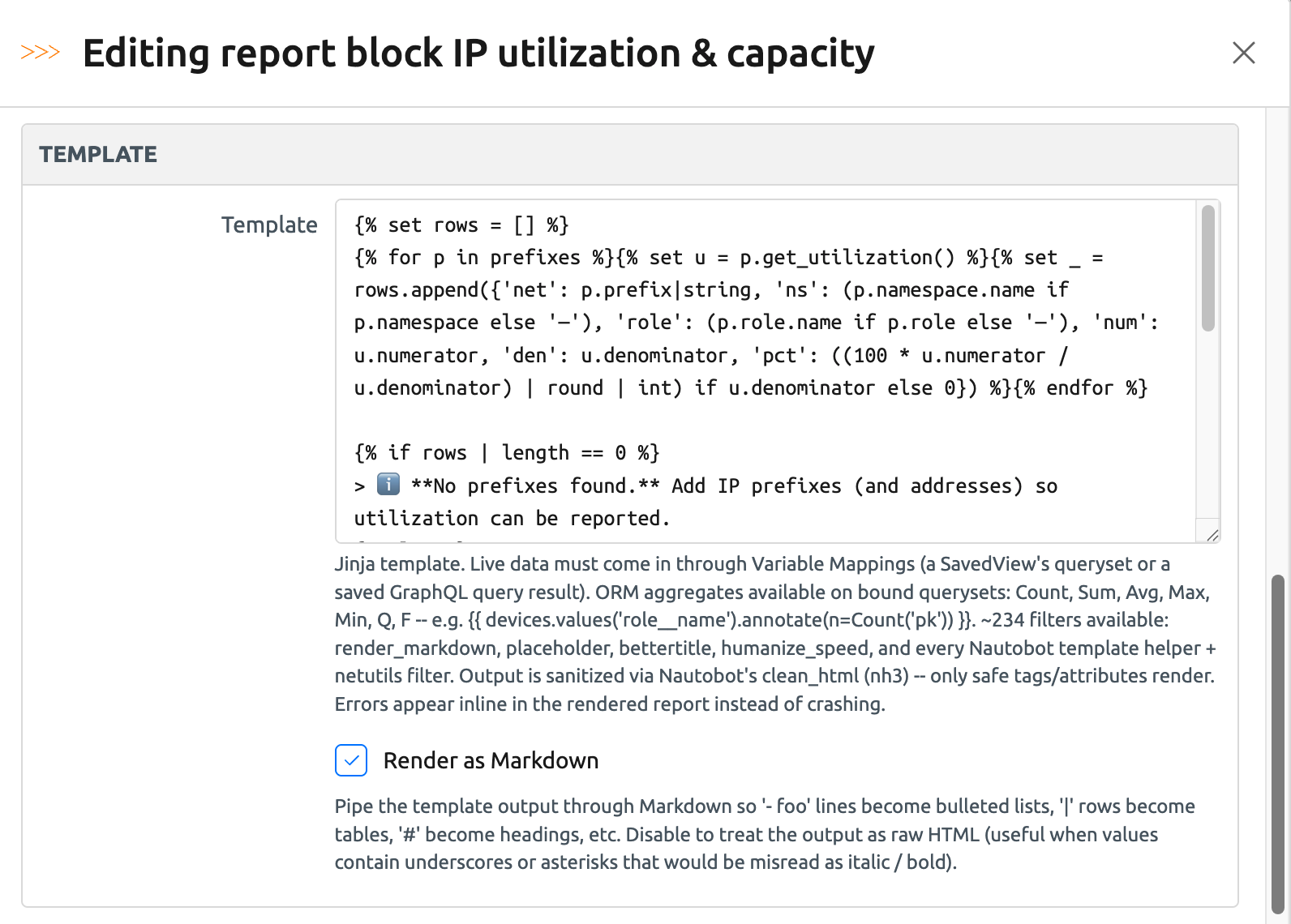
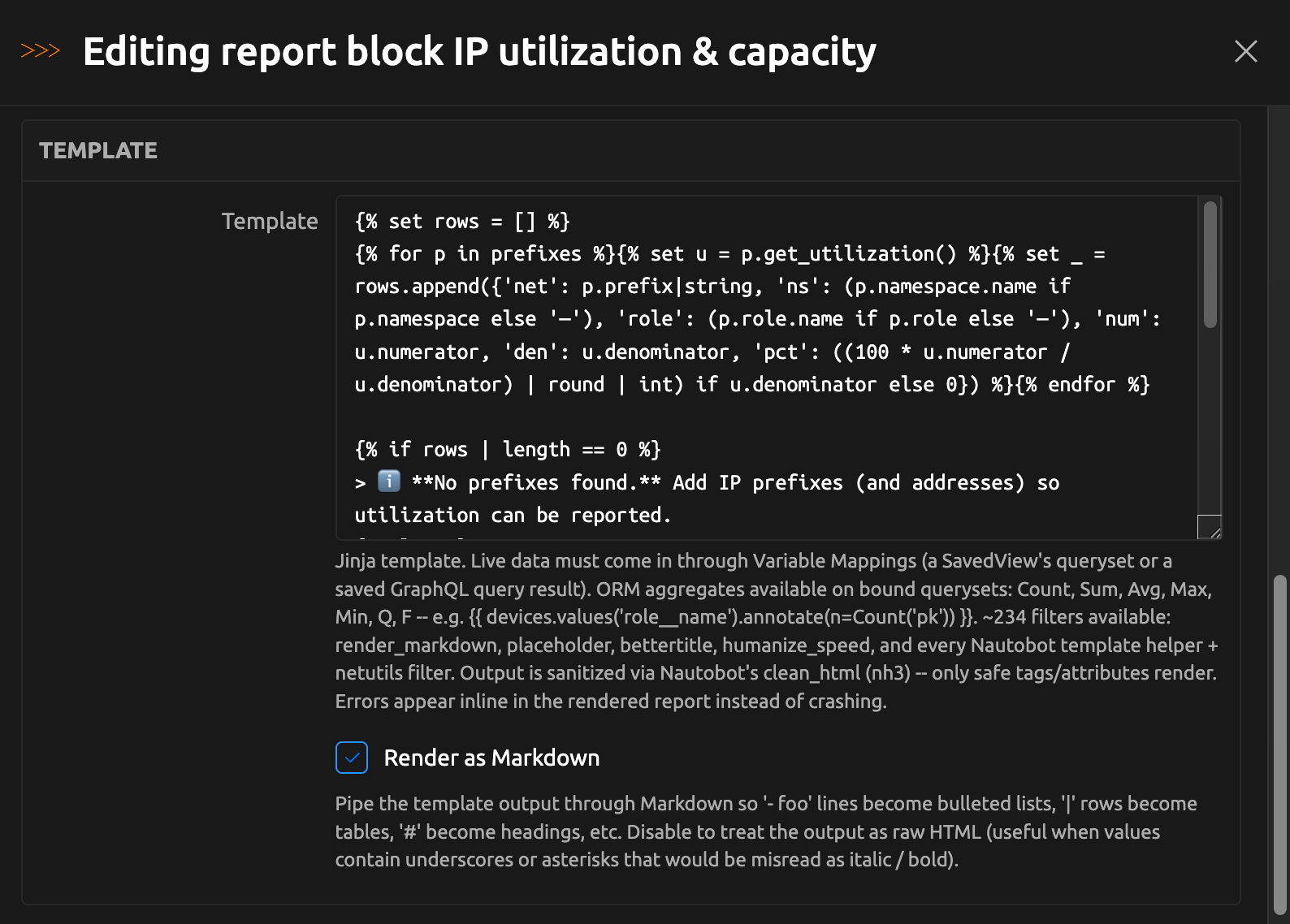
The Jinja Template block is the most flexible block type in the report builder: you write a Jinja template, bind live Nautobot data to variables, and the block renders the template's output. Use it to produce content the Saved View and Export Template blocks cannot, such as summary statistics, aggregate tables, or text that incorporates live values.
Authoring a block of type Jinja Template assumes familiarity with Jinja templating and the Nautobot data model. This page first describes the pieces available to a template, then walks through common patterns that combine them.
The pieces
Variable Mappings
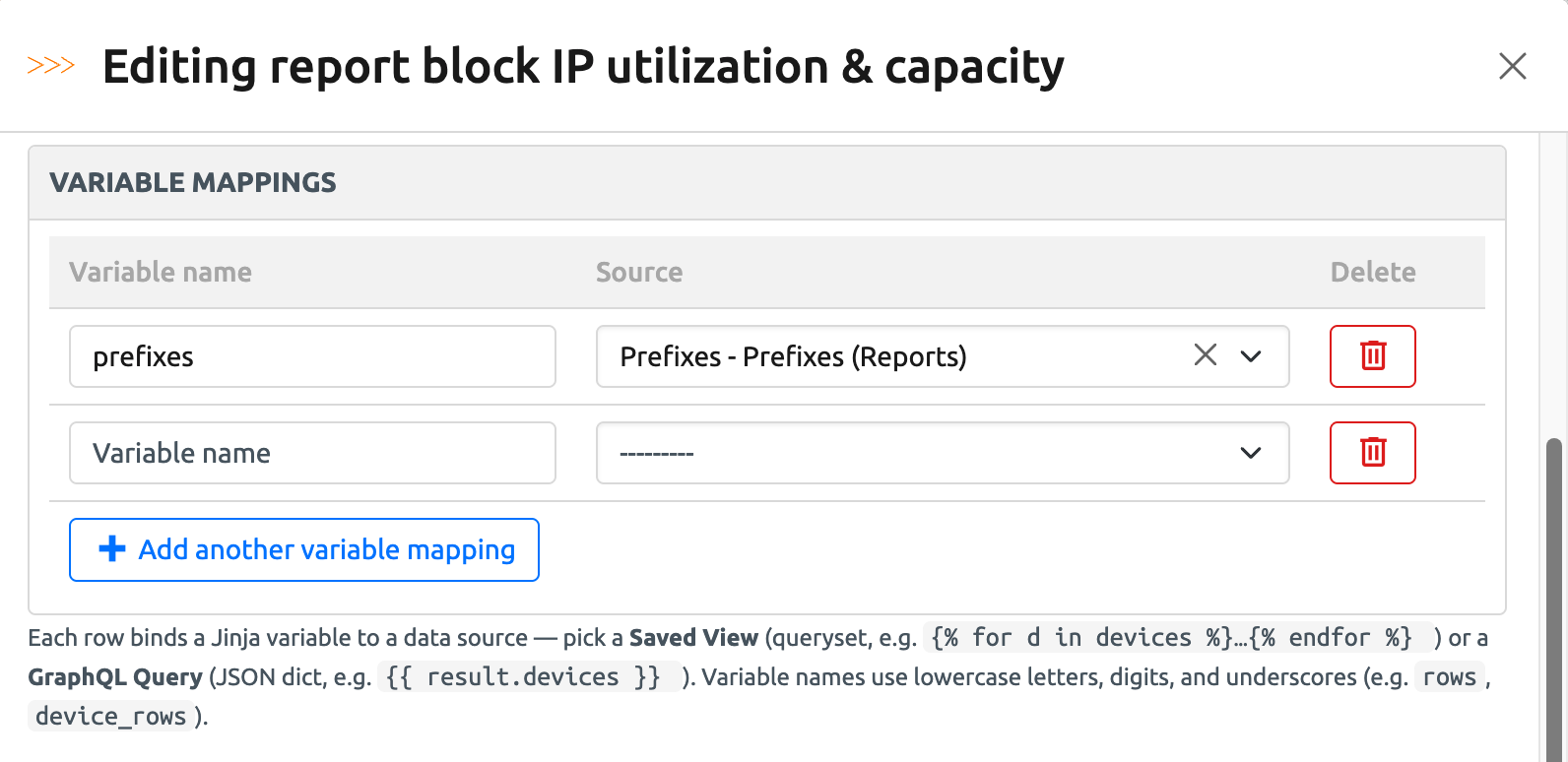
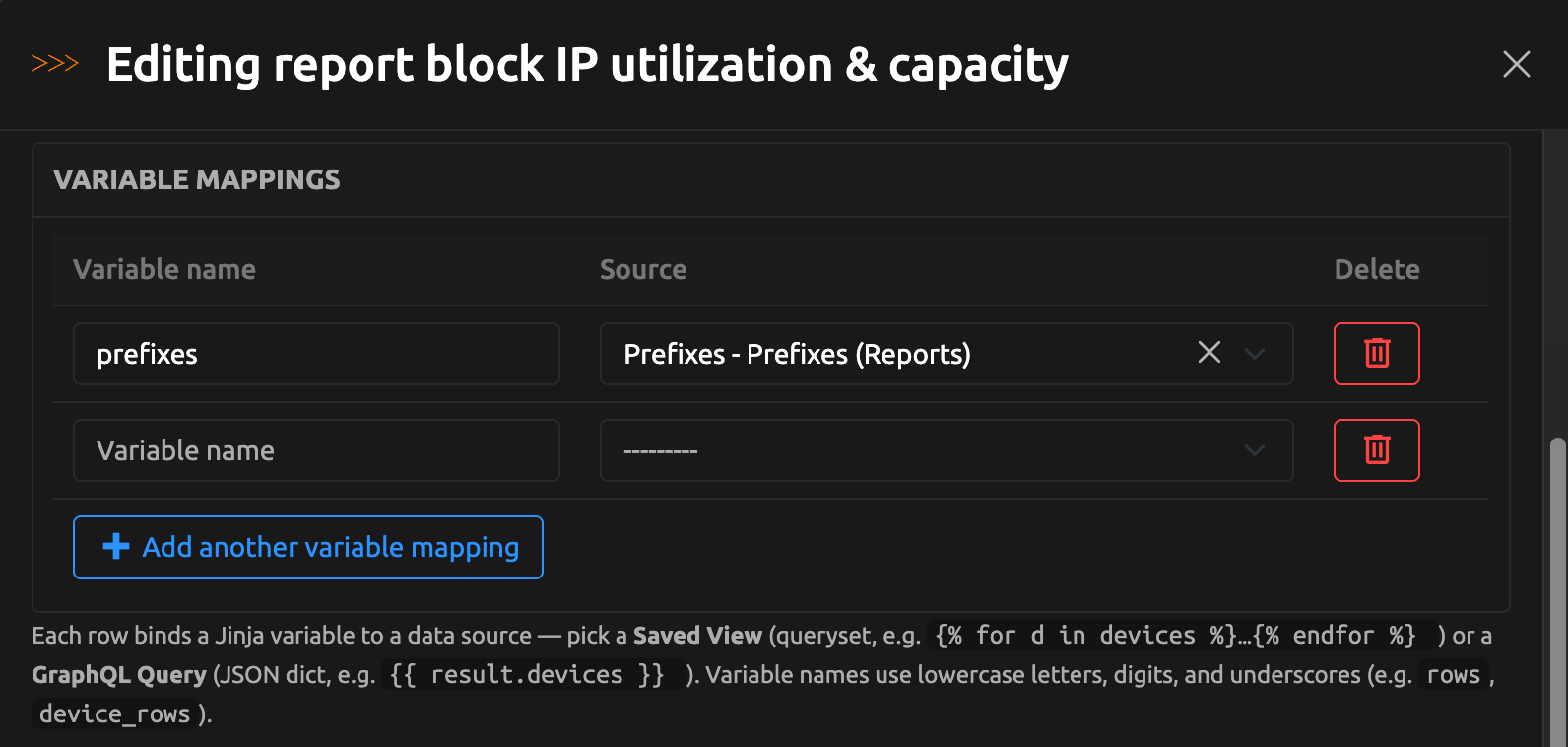
A Jinja Template receives live data through Variable Mappings, configured on the block in the report builder. Each mapping is a pair:
- Variable name: the Jinja variable the data is bound to. Use lowercase letters, digits, and underscores, starting with a letter or underscore — for example
devicesordevice_rows. - Source: a Nautobot Saved View or a saved GraphQL query.
What the variable contains depends on the source:
- A Saved View mapping binds the view's filtered queryset. All of the view's filters apply, and the queryset supports the usual query methods —
.count(),.filter(),.values(),.annotate(),.order_by(), slicing, and so on. - A GraphQL query mapping executes the saved query (using the variables stored on the query) and binds the result data. If the query reports errors, they appear as warnings on the rendered block.
Variable names must be unique within a block, every mapping needs both a name and a source, and a handful of names are reserved for the built-in variables and helpers below.
Built-in variables
Every Jinja Template block can use these variables without configuring any mapping:
| Variable | Contains |
|---|---|
report |
The report template being rendered (for example, {{ report.name }}) |
user |
The user generating the report |
now |
The current date and time (UTC) |
reporting_period_start |
The number of days before now at which the reporting period starts. Defaults to 1; set by the publish jobs' optional Reporting Period Start (number of days) input. See Reporting period |
reporting_period_start_date |
The date and time the reporting period starts: now minus reporting_period_start days |
timedelta |
Python's timedelta class, for date arithmetic in the template |
Aggregation helpers
The Django aggregation and expression helpers Count, Sum, Avg, Max, Min, Q, and F are available in every template and can be used on mapped querysets:
Filters
Templates render through the same Jinja environment as Nautobot's Export Templates and computed fields, so every Nautobot template helper and netutils filter is available — over two hundred in total, including render_markdown, placeholder, bettertitle, and humanize_speed. See Nautobot's template filters documentation for the full list.
Markdown rendering
Each Jinja Template block has a Render as Markdown toggle. When enabled, the template's output is interpreted as Markdown. Leave it disabled to treat the output as raw HTML — useful when your data contains underscores or asterisks that Markdown would misread as emphasis.
Markdown headings do not appear in the Table of Contents
The Table of Contents block lists the block-level headings configured in the builder (each block's Heading and Subheading fields). A # heading written inside a Jinja Template block is styled as a heading in the output but is not added to the Table of Contents.
Whether or not Markdown rendering is enabled, the block's output is always sanitized — only safe HTML tags and attributes are included in the report.
Errors and warnings
A broken template does not break the report. If the template fails to render, the error message appears inline where the block would have been, and the rest of the report still renders. Problems with a mapping — a Saved View that has been deleted, a GraphQL query you no longer have permission to view — appear as inline warnings on the block.
Permissions and row limits
Mapped data is resolved with the permissions of the user generating the report, exactly like the other data-bearing block types: objects the generating user cannot see are absent from the results.
Unlike Saved View and Export Template blocks, Jinja Template blocks are not row-capped — a template queries as much data as it asks for. Keep reports fast and readable by aggregating (.values().annotate()) or slicing ([:10]) instead of rendering full object lists.
Common patterns
Except where noted, the examples below assume the block has a Variable Mapping named devices whose source is a Saved View of devices, and that Render as Markdown is enabled so the lists and tables render as formatted output.
Headline metrics
A list of summary statistics is a common opening section. .count() and .distinct() work directly on the mapped queryset:
- **Total devices:** {{ devices.count() }}
- **Locations:** {{ devices.values("location__name").distinct().count() }}
- **Distinct device roles:** {{ devices.values("role__name").distinct().count() }}
A count-by-field table
Group a queryset with .values() and .annotate(Count(...)) and lay the results out as a Markdown table:
| Status | Devices |
| --- | --: |
{% for row in devices.values('status__name').annotate(n=Count('pk')).order_by('-n') -%}
| {{ row.status__name or '—' }} | {{ row.n }} |
{% endfor %}
Any field path the model supports works as the grouping key — role__name, location__name, device_type__manufacturer__name, and so on.
Whitespace control matters in Markdown tables
The -%} on the {% for %} tag strips the newline that follows it, so each pass through the loop emits exactly one table row. Without it, blank lines appear between the rows and the table renders as plain text.
Top N
Slice an ordered queryset to limit a section to the largest N values:
| Location | Devices |
| --- | --: |
{% for row in devices.values("location__name").annotate(n=Count("pk")).order_by("-n")[:10] -%}
| {{ row.location__name or "—" }} | {{ row.n }} |
{% endfor %}
Reporting period
Every Jinja Template block can use an optional reporting period to restrict a section to recent activity. The period starts reporting_period_start days before now and defaults to 1 day (the last 24 hours). The report builder's live preview always renders with the default. Filter a mapped queryset against reporting_period_start_date to limit it to the period:
**Devices updated in the last {{ reporting_period_start }} day(s):**
{{ devices.filter(last_updated__gte=reporting_period_start_date).count() }}
When the report is published with the Publish Report or Publish And Email Report job, the job's optional Reporting Period Start (number of days) input sets the period, so the same template can serve a recurring nightly run and an ad-hoc "last 30 days" run without being edited. Templates that do not reference the reporting-period variables are unaffected by the input.
For advanced use cases, the timedelta filter can be used for arbitrary date arithmetic - for example, {{ devices.filter(last_updated__gte=now - timedelta(hours=12)).count() }}.
Guarding against missing data
If a mapping cannot be resolved — its Saved View was deleted, for example — the variable is bound as none. A guard clause renders a clear message instead of an error:
{% if devices is none %}
_Data source unavailable. Check the block's Variable Mappings._
{% else %}
**{{ devices.count() }}** devices found.
{% endif %}
Working with GraphQL results
A GraphQL mapping binds the query's result data, so the top-level keys of the query become attributes of the variable. With a mapping named gql_circuits bound to a saved query like query { circuits { cid provider { name } } }:
{% set circs = (gql_circuits.circuits if gql_circuits else []) or [] %}
**{{ circs | length }}** circuit(s) across {{ circs | map(attribute='provider.name') | unique | list | length }} provider(s).

| Provider | Circuits |
| --- | --: |
{% for prov, items in circs | groupby('provider.name') -%}
| {{ prov }} | {{ items | list | length }} |
{% endfor %}
Putting it together
A typical Jinja Template-driven report combines these patterns, one block per section, all sharing the same Saved View mapping:
- Create a template — every new template starts with a Title Page block and a Table of Contents block.
- Add a Jinja Template block with the heading "Device inventory" (heading level
h1) containing the headline metrics pattern. - Add one Jinja Template block per breakdown — "By role", "By manufacturer", "By status" (heading level
h2) — each containing a count-by-field table grouped on a different field. - Give every block the same
devicesmapping, and start each template with the missing-data guard.
Because each section is its own block, the Table of Contents includes every heading, sections can be reordered by dragging, and an error in one section does not affect the rest of the report.